
Image format conversion (PixPix)
Converting between PNG/JPG/WebP/AVIF formats
Introduction
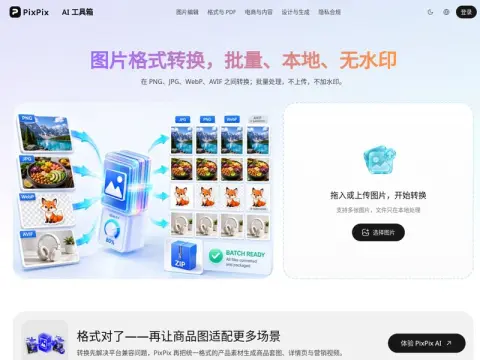
Supports conversion between the four formats: PNG, JPG, WebP, and AVIF. The first three formats are supported stably, while the output of AVIF files depends on the encoding capabilities of the browser used. It is possible to convert multiple files in different formats at once, with the resulting files being packaged for download. Local encoding is available, and there is no need for registration or payment of any fees, nor will there be any watermarks added to the files.
| requirements | Choose it. | reason |
|---|---|---|
| photo | JPG / WebP | Lossy compression is most effective for continuous tones. |
| Transparent background | PNG / WebP | JPG files do not contain an Alpha channel. |
| Optimizing web page size to reduce file weight | WebP | Images with the same quality usually occupy about 30% less storage space than JPG files. |
| Screenshot/Icon | PNG | No loss of quality; solid-color areas can be compressed without any issues. |
Here are two common misconceptions that I would like to clarify. When a transparent PNG image is converted to JPG, the transparent areas turn white – this is due to the nature of the file format itself, and it is not an error in the conversion process. Converting a JPG back to PNG will not improve the quality of the image either; the information that is lost during the conversion cannot be restored simply by changing the file format. In fact, converting a lossy image to a lossless format will only result in a larger file size.
Related