
AI Context Bridge
Just @ the AI in the chat box and feed the webpage right in.
Introduction
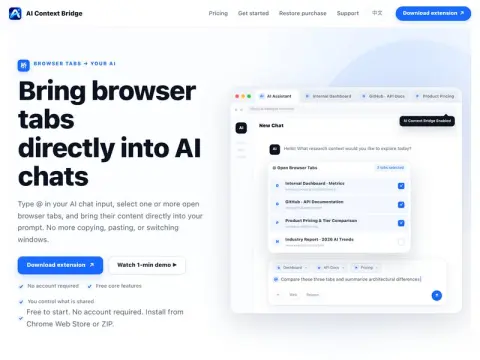
When chatting with AI, you often need to paste in content from several webpages, and if the formatting gets messed up, you have to reorganize it. AI Context Bridge is a browser extension: type @ in chat boxes like ChatGPT, Claude, Gemini, and DeepSeek to bring up a list of your open tabs. After you select them, it injects the structured body text of those webpages into your prompt.
Because it reads pages in your local browser, it can also capture intranet pages and backend systems you’re already logged into—something the built-in web access of web-based AI can’t do. Core features are free; the premium version is paid. It’s ideal for people who often need AI to summarize and analyze across multiple sources.