
The new Llama.app
The official local large-model client for llama.cpp
Introduction
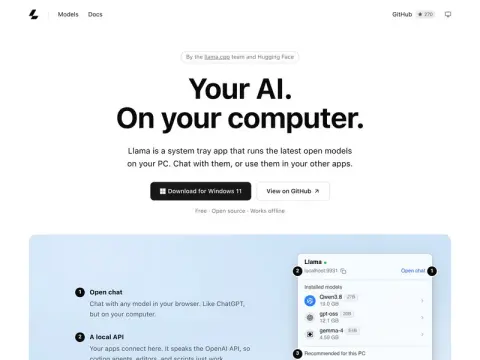
Llama is a local large-model client developed jointly by the llama.cpp team and Hugging Face. It is available in both Mac menu bar version and Windows 11 system tray version, while the Linux version can be installed via command line. The installation package weighs only around 1MB and is freely open-source; it can also be used without an internet connection.
Once installed, you can use just one click to download open-source models from Hugging Face, such as Qwen3.8 27B, gpt-oss 20B, or Gemma 4. The system will recommend the most suitable version based on your computer’s specifications. You can start chatting directly in your browser; on Windows, you can activate this feature by pressing Alt+Space.
Its most practical aspect is that it provides a local interface compatible with OpenAI, allowing programming agents, editors, and scripts to share the same model cache – eliminating the need for each tool to store its own copy of the model. This makes it ideal for those who wish to run open-source models locally but prefer not to deal with complex command-line configurations.