
PDF merging (PixPix)
Merging and sorting multiple documents
Introduction
The difference between this service and most online merging tools lies in the way the files are processed. On those other platforms, users first upload their files to a server, where the files are merged by the server before being downloaded back to the user’s device. However, this service allows users to directly merge PDF files using a local PDF library within their browsers, meaning that the files never leave the user’s device during the entire process. For documents such as contracts, invoices, medical records, and identification materials, this approach indeed makes a significant difference.
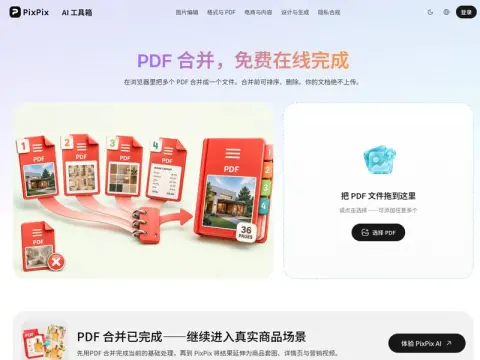
The functionality itself is not complicated: Any number of PDF files can be combined into one in the order you specify. After loading, each file will display its number of pages and size, making it easy to verify whether you have selected the correct version. Any unnecessary files can be deleted before the combination process begins.
After merging the files, conduct a random inspection on four aspects: the number of pages, the order of the pages, whether any horizontal pages have been accidentally included in the vertical documents, and whether the clarity of the scanned copies remains intact. This process takes no more than a minute and can prevent most cases of rework. Make sure to save an additional copy of the original file; do not overwrite it with the exported result.
PDF files that are protected by a password, damaged, or use special encryption methods may not be readable. In such cases, you need to first remove the protection in the original software before attempting to open them.