
Juggler
AI Coding Proxy Visualization Workspace
Introduction
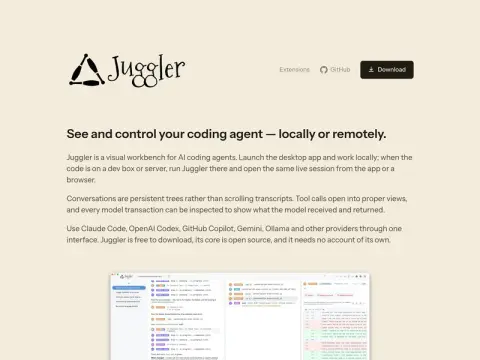
Juggler has created a user-friendly desktop interface for AI-coded proxies. Its key premise is that using coded proxies requires the processing of large amounts of text, and scrollable chat logs are not suitable for such tasks.
Therefore, it represents the dialogue in the form of a tree structure, rather than a log. Any point within this structure can be used as a branching point, and recursion is also possible – for example, a new thread can be created to attempt another approach or execute a delegated task. Ultimately, only the results are returned to the parent thread, ensuring that the intermediate processes do not interfere with the main context. The navigation system uses the Miller-style multi-column view commonly found in the Finder; tool calls, properties, and nested threads are all displayed in a flat, expandable format.
Debugging capabilities represent another key aspect of its design: Tool parameters, approval processes, and response results are all presented through separate user interfaces. Whenever a model request is initiated, users can view the system notifications received, relevant messages, tool definitions, as well as output data, token usage statistics, execution time, and reasons for any interruptions that may occur during the process.
Flexible running options: You can simply launch the desktop application if you want to use it locally. If you are developing on a development machine or server, Juggler will run there automatically. You can then connect to it from either the desktop or a browser via the same session, which is stored on your disk. The session will not be lost even if you exit and reconnect later. Juggler supports multiple code assistance tools such as Claude Code, Codex, GitHub Copilot, Gemini, and Ollama. It is available for free download, and its core functionality is open-sourced – you don’t need to register an account to use it.