ImageFlow
A free PSD-level image editing tool that runs within web browsers.
Introduction
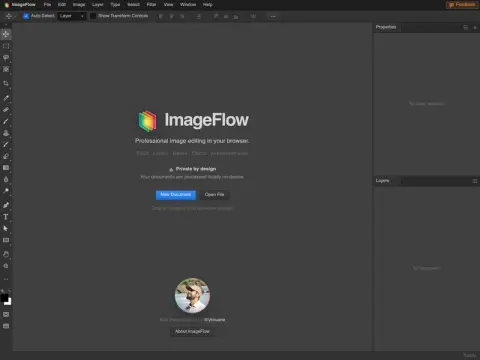
It is most intuitive to compare it with Photopea: both strive to replicate the operating habits of Photoshop within web pages, but ImageFlow takes this approach one step further. It offers layers, groups, clip masks, vector masks, 27 different blend modes, non-destructive layer adjustments, smart objects, and smart filters. PSD and PSB files can be opened directly in ImageFlow and also exported back in their original formats. Additionally, the text support includes variable fonts and OpenType features.
The use of AI technologies is kept rather restrained in this approach. The main applications include area selection, background removal, and content recognition for image filling. The model performs these tasks directly within the local browser, without any need to upload images to the server. This feature is particularly beneficial when dealing with client-provided materials or identification photos, as it ensures that the processing speed of large files depends solely on the performance of your computer.
It is officially labeled as free to use; you can simply open the web page to start using it. However, you will need a relatively recent version of Chrome, Edge, Firefox, or Safari. If you only need to make occasional adjustments to PSD files and don’t have Photoshop installed on your computer, you can give this tool a try. Nevertheless, when it comes to advanced image editing tasks and the availability of plugins, it still falls short compared to desktop software.
Related