
ExcaliClaw
An AI-powered collaborative whiteboard that allows direct creation of hand-drawn artwork
Introduction
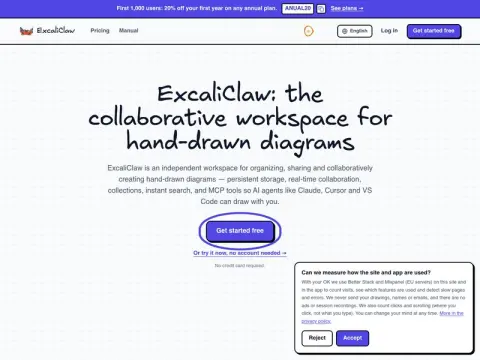
You can get started in three steps. The first step is to open the free whiteboard on the official website. You can draw graphics in a hand-drawn style without even registering, and in this mode, the content will not be saved on the server. The second step involves registering an account; once you do, the drawings will be automatically saved. You can create collections for organization, search for specific drawings by name in real time, view the version history, and also export the drawings in JSON format or import content from other platforms like Miro. The third step is to connect the MCP server that hosts your drawings to tools such as Claude, Cursor, or VS Code. After logging in using OAuth authentication, you can let AI generate flowcharts, ER diagrams, or timing charts for you. The layout of these diagrams will be calculated by the server, and once they are completed, you can export them in PNG or SVG format.
When multiple people collaborate, they can see each other’s real-time cursors. Sharing is supported via username or read-only links. There are free options available: the Starter plan costs 9 euros per month and allows up to 5 users, while the Pro plan costs 29 euros per month and supports up to 20 users. Neither plan imposes any restrictions on the amount of MCP or AI resources that can be used. Engineering teams will find it much more convenient to use these tools for creating architecture diagrams and database relationship charts.