
New Point and Yap
Just point at the screen and speak, and the AI will automatically adjust the interface accordingly.
Introduction
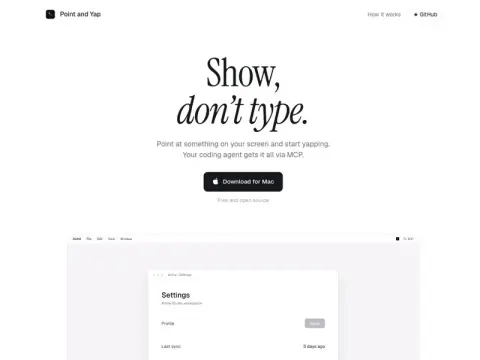
Point and Yap is a Mac utility with the slogan “Speak instead of type.” Simply double-click the Control key, point the mouse at the area on the screen that you want to modify, and speak your instructions—such as “Make this button bigger and change its color to blue.” The tool will capture the location you selected, take a screenshot, and record your voice. All these details are then sent via MCP to programming intelligent agents like Claude Code, Codex, or Cursor, which will carry out the required changes for you.
Speech recognition is performed locally on the device; there is no need to register an account, and it is both free and open-source.
This is ideal for developers and designers who frequently use AI-powered programming agents to create front-end interfaces. Describing locations such as “here” or “that one” is much simpler than attempting to precisely identify an element using text—especially if you are already working with programming tools that support MCP.