GIF compression
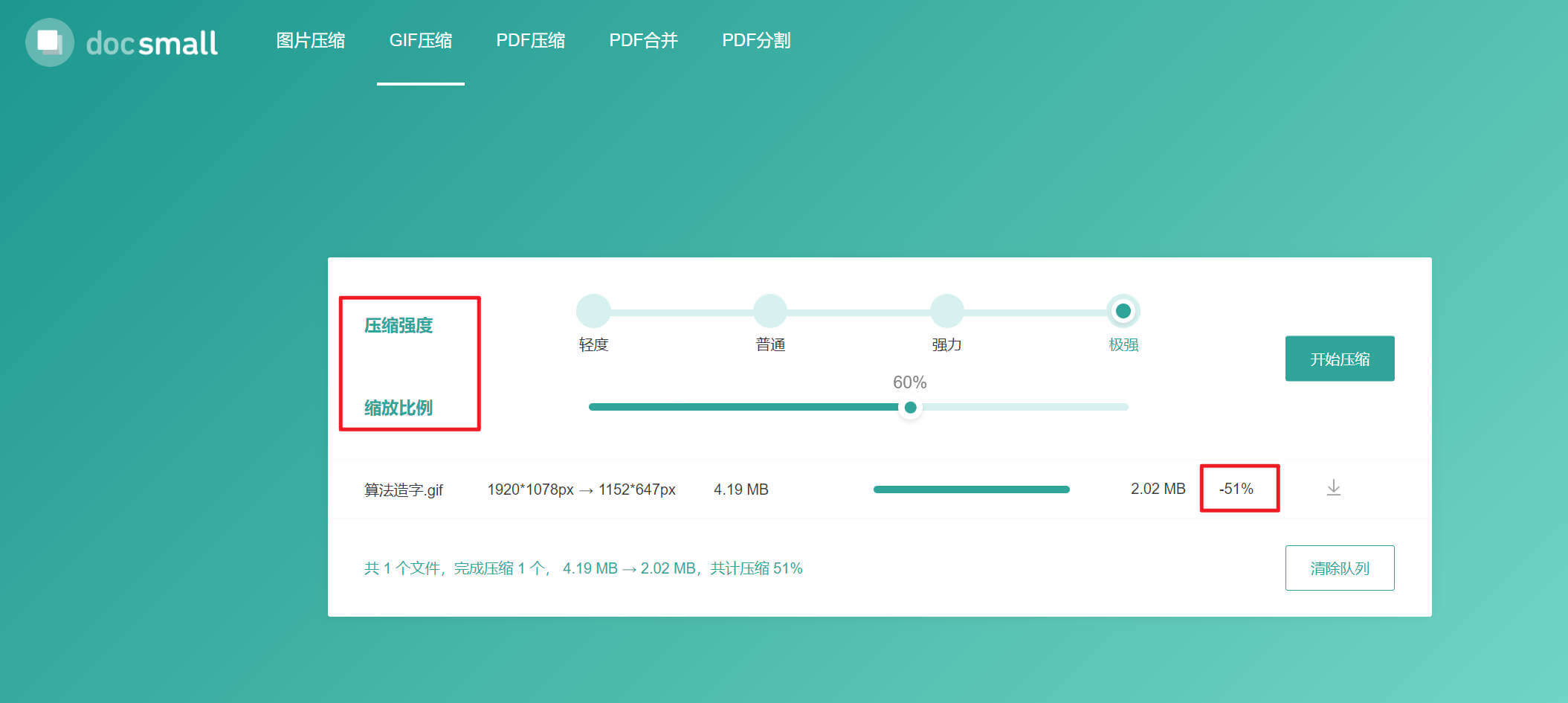
DocSmall is an online image compression tool, and this article particularly highlights its GIF animation compression function. It offers four levels of compression intensity for animations, as well as two different compression methods: proportional scaling. I usually set the compression level to the highest setting; in this way, the compressed animations remain smooth and high-quality. If you need...
Introduction
DocSmall is an online image compression tool, and this article focuses on recommending its GIF animation compression feature. It supports four different levels of animation compression intensity, as well as two compression methods: proportional scaling.
I usually set its intensity to the highest level directly. The compressed animated video resulting from this will be very smooth and high-quality. If you need to minimize the size of the image, the only option is to adjust its dimensions by using proportional scaling.
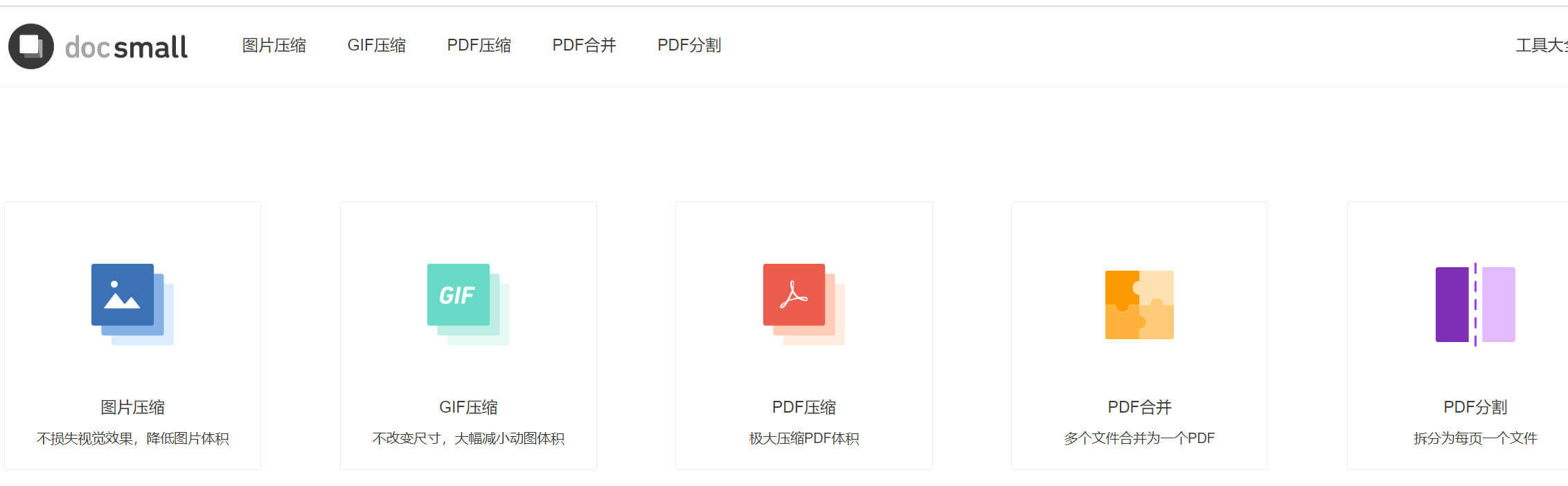
In addition to the GIF compression function, it also supports the compression of common image formats such as PNG and JPG, as well as the compression, merging, and splitting of PDF files. The results are all very satisfactory.
Precautions:
Ad-blocking plugins cannot be used on this website; otherwise, it will not function properly. Although there are advertisements present, they do not affect the user experience in any way.