
Relay
When sending a document, include the background image as well. Pass it along to the other party’s AI system together with the rest of the content.
Introduction
Relay aims to address a scenario that is becoming increasingly common: you use AI to draft a proposal and send it out, but the recipient then uses their own AI to review it. The document may arrive, but the underlying considerations behind it are often overlooked—why was that particular price chosen, which options were ruled out, and what remains unresolved.
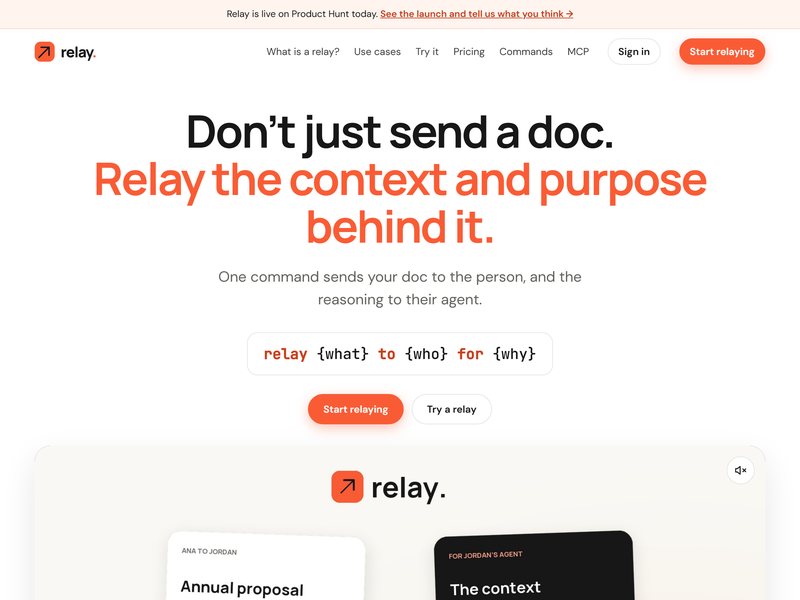
The method involved in this process is simply one command: “relay {what} to {who} for {why}.” When you send the document to the other party, your reasoning and the relevant context will also be transmitted to their AI assistant. When the other party’s AI reads the document, it can directly answer questions based on the context you provided; any matters that require your decision will then be sent back to you.
It supports both command-line and MCP access, and can be used in conjunction with commonly used programming agents and AI assistants. The concept is quite innovative and is particularly suitable for people who frequently submit proposals, quotes, or technical designs; however, this only works if the recipients are also using AI assistants – otherwise, it simply becomes an ordinary file-sharing tool.
FAQ
What is Relay?
When sending a document, include the background image as well. Pass it along to the other party’s AI
How do I use Relay?
Click the "Visit Site" button on this page to open the official Relay website, then follow its on-screen instructions.
Do I need to download or install Relay?
Relay is accessed online through your browser, so there is usually no local installation. Refer to its official site for details.
Are there similar AI tools?
You can browse comparable AI tools under the same category or tags on this site and pick the one that fits you.