
HoldTalk
Use the Mac’s voice input feature by holding down the FN key while speaking.
Introduction
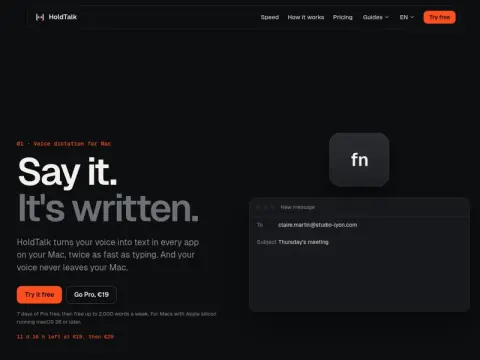
HoldTalk is a voice input tool for Macs, and its usage is very simple: just hold down the Fn key while speaking, and the text will appear in any application you are using at that moment. The main selling point of its official website is that the processing of the audio data takes place locally on your Mac, without any need to transfer it elsewhere.
According to the official website, the comparison shows that typing speed is 52 words per minute, while speaking speed is 130 words per minute. For sending the same email, it takes 37 seconds when using typing mode and only 15 seconds when using speech recognition mode. Of course, these numbers were calculated by the company itself. A Mac computer equipped with an Apple chip is required, and the operating system must be macOS 26 or a later version.
There is a 7-day free trial for the Pro version, and after that, users can use a certain number of messages for free each week. The Pro version costs approximately 19 euros. It is often compared to services like Wispr Flow and Superwhisper. Its advantages include strong privacy protections and the fact that there is no need to subscribe; however, its main drawback is that it is only available for Mac users, and Windows users cannot use it.