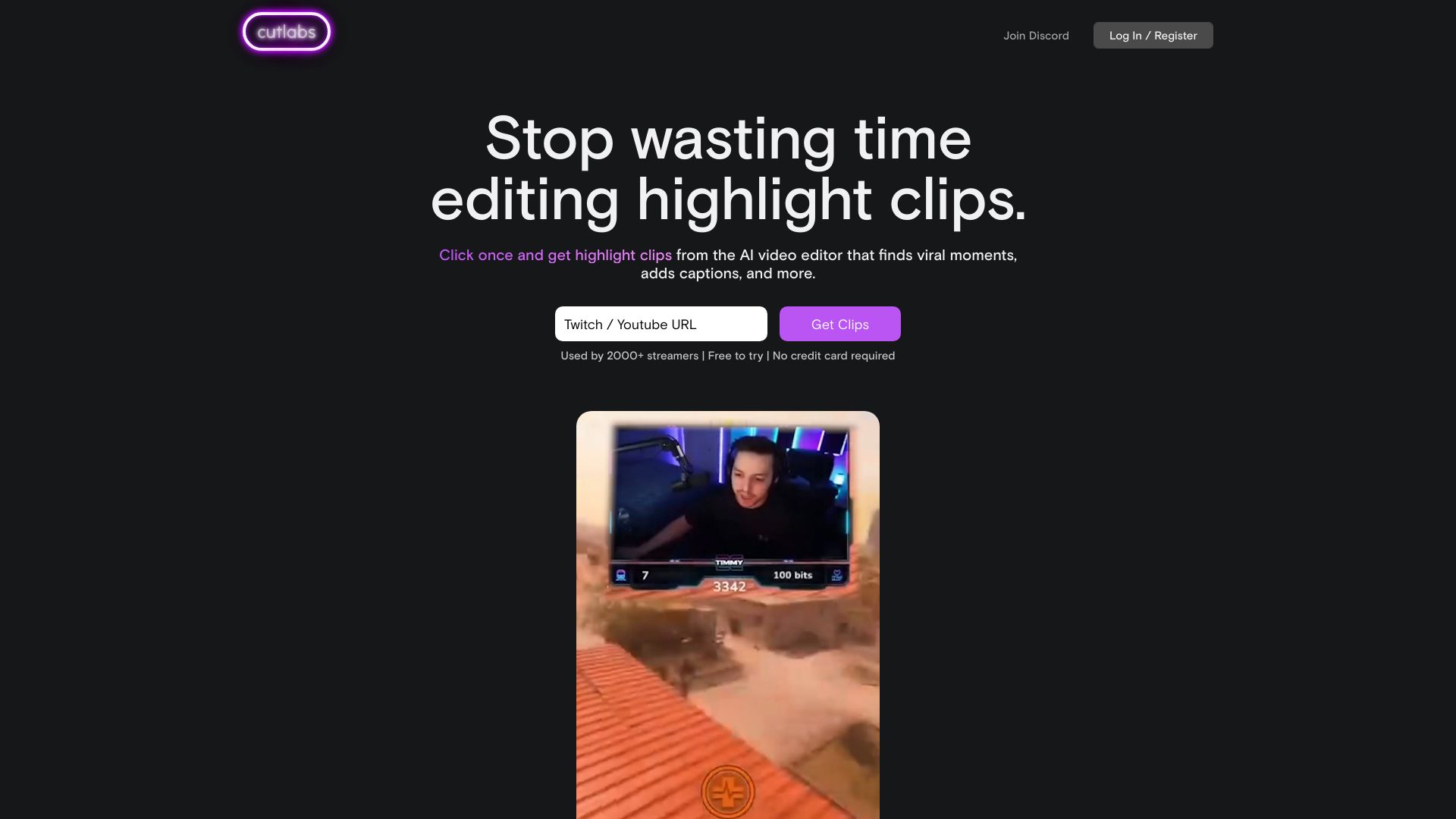
cutlabs.ai
Cutlabs is an AI-powered video editor that assists streamers in creating impressive clips. All you need to do is provide a VOD link, and within 30 minutes or less, you will receive a fully edited version ready for publication – even if your live broadcast lasts for up to 8 hours. It utilizes the most advanced video AI models, rather than just being a simple software package.
Introduction
Overview of cutlabs.ai
CutLabs is a platform that utilizes the latest AI and computer vision technologies to assist creators in transforming existing content into engaging video segments. Its purpose is to help users achieve instant popularity in a short amount of time, by automating video editing processes and offering a wide range of customizable styles and effects.
Main functions of cutlabs.ai
The main functions of CutLabs include:
Automatically identify and edit multiple interesting segments within long videos: By utilizing large language models, AI can automatically analyze the content of long videos and identify and extract those segments that are interesting and captivating.
Automatic subtitles with custom styles: Offers users a variety of customized style options to automatically add subtitles to videos, thereby enhancing the viewing experience.
Automatically adjust video frame rate: Based on the content of the video and the user's preferences, automatically adjust parameters such as the frame rate and size to make the video smoother and more visually appealing.
Features of cutlabs.ai
The main features of CutLabs are reflected in the following aspects:
Driven by AI technology: By utilizing the latest advancements in AI and computer vision, intelligent analysis and processing of video content are made possible.
Efficient and convenient: The use of automated tools significantly reduces the time required for video editing, thereby enhancing productivity.
High degree of customizability: A variety of customized styles and effects are available to meet the different creative needs of users.
Wide applicability: Suitable for creators and social media users who need to produce engaging video content.
Target audience for cutlabs.ai
CutLabs is suitable for the following groups of people:
Video creators: Those who wish to quickly produce interesting video segments.
Social media users: Those who need to create attractive video content on social media in order to increase their influence.
Content marketers: Individuals who need to produce a large amount of video content for marketing purposes.
Frequently Asked Questions about cutlabs.ai
Regarding common questions about the use of CutLabs, it should be noted that specific issues and their solutions may vary depending on the individual circumstances and needs of each user. Nevertheless, the following are some general recommendations:
Technical issues: If you encounter problems such as software crashes or lagging, it is recommended to check whether your computer's hardware configuration meets the requirements of the software and ensure that you are using the latest version of the software.
Operation issues: If you are not familiar with the software interface and its functions, it is recommended to refer to the official documentation or online tutorials for guidance.
Material issues: If importing materials fails or applying special effects encounters problems, it is recommended to check the format of the materials and the compatibility of the effects. You may also try converting the material format or replacing the effects used.
Output issues: If video export fails, it is recommended to check whether the export settings are correct and try adjusting the export parameters.
Please note that the issues and solutions mentioned above are for reference only. The specific problems and corresponding solutions may vary depending on the individual circumstances and requirements of each user. In case of encountering any specific issues, it is recommended to contact CutLabs’ official customer service or seek professional technical assistance.
Before using these materials to create vertical-short-form dramas, you can first check in TVLab how popular shows on the same theme begin and what twists occur in which episodes. Then, select an inspiration card that already contains a detailed breakdown of the scenes and use it as a guide to generate each scene one by one, according to the sequence specified in the video script.
Related