YouTube Chinese dubbing
An online browser add-on for watching foreign language videos with translated subtitles and improved viewing experience.
Introduction
Introduction to YouTube Chinese Dubbing
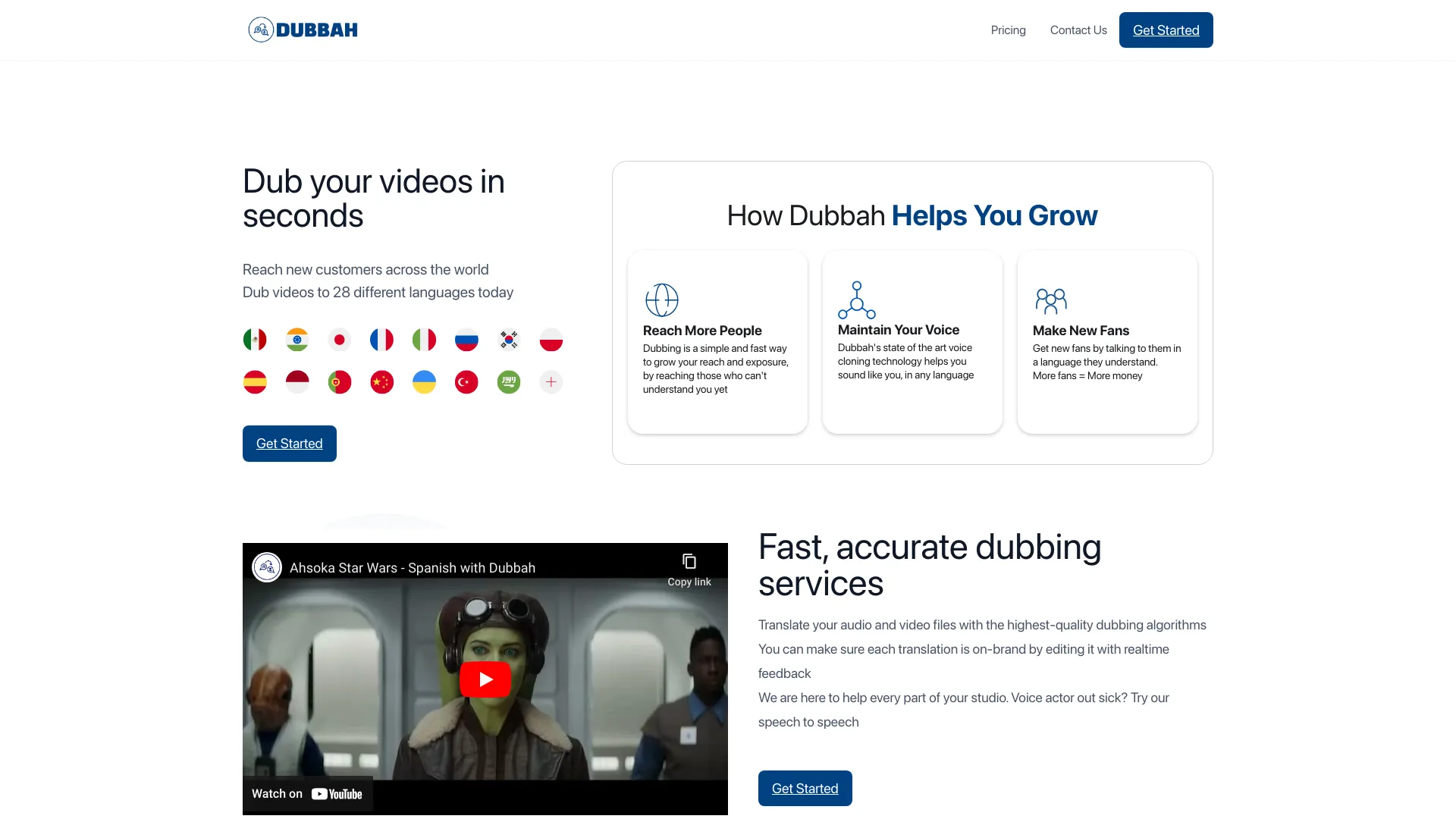
YouTube Chinese Dubbing is a browser plug-in for watching foreign videos online. It realizes Chinese dubbing of videos by translating subtitles and playing the translated content directly, helping users watch English or other language videos on YouTube more easily.
Main functions of YouTube Chinese dubbing
1. One-click translation and playback: Users only need to click the play button at the bottom of the video, and the plug-in will automatically translate the subtitles and dub them in Chinese, eliminating the need for users to manually search and switch subtitles.
2. Multi-platform support: Supports multiple browsers such as Chrome, Firefox, and Safari (IOS version), as well as multiple terminal devices such as PC, Android, and IOS to meet the needs of different users.
3. Multi-website support: In addition to YouTube, it also supports websites such as Udemy. Users can use plug-ins to watch Udemy's online courses and realize language conversion of learning resources.
4. Multi-voice switching: Provides a variety of Chinese dubbing voices for users to choose from. It also supports switching between different target languages and links different voice libraries to make the translated voice closer to the original dialogue form.
5. Speed and volume adjustment: Supports speed adjustment on the video being watched, and the plug-in will adapt; it also supports adjustment of the original sound volume and the target sound volume (IOS system cannot support it due to limitations).
6. AI subtitle optimization: In response to the poor quality of YouTube’s own subtitles, the plug-in provides AI subtitle support to optimize subtitle quality and improve the viewing experience.
YouTube Chinese dubbing features
1. Efficient and convenient: Automatic translation and dubbing are realized through plug-ins, eliminating the need for manual operations by users, improving the efficiency of watching videos.
2. Natural and smooth: The dubbing tone is natural and fits the video content, giving users a better viewing experience.
3. Personalized customization: Provides a variety of dubbing sounds and language options to meet the personalized needs of different users.
4. Continuous optimization: The plug-in is constantly updated and iterated, incorporating advanced AI technology to improve the quality of translation and dubbing.
YouTube Chinese dubbing is suitable for people
1. English learners: Improve listening comprehension and assist English learning by watching English videos with Chinese dubbing.
2. International content lovers: Conveniently watch international video content on YouTube, overcome language barriers, and enjoy global culture.
3. Educators: Used for classroom teaching to display international video materials to facilitate students' understanding and learning.
4. Cross-cultural communicator: In cross-cultural communication, help understand video content of different language backgrounds and promote communication and cooperation.
Frequently asked questions about using YouTube Chinese dubbing
1. Plug-in installation issues:
– Make sure the browser version supports plug-in installation, and visit the Chrome App Store or the official plug-in website to download and install it.
– If the installation fails, check the network connection or try to download and install again.
2. Dubbing playback issues:
– Make sure the video itself contains subtitles for the plugin to translate and dub it.
– If the dubbing does not play properly, try refreshing the page or restarting the browser.
3. Sound selection problem:
– Select your preferred voiceover voice in the plugin settings and make sure the target language is set correctly.
– If you cannot switch the sound, check whether the plug-in is updated to the latest version.
4. Subtitle quality issues:
– If you are not satisfied with the translation quality, you can try turning on the AI subtitle optimization function.
– The subtitles provided by the plug-in are for reference only. It is recommended to understand them by combining them with the video content.
5. Compatibility issues:
– Plug-ins may behave differently on different browsers or system versions. It is recommended to check the compatibility instructions of the plug-in before use.
– If you encounter compatibility issues, try updating the browser or system version, or contact the plug-in developer for support.