
Agibot
The Mac personal AI assistant that is always available in the menu bar.
Introduction
Agibot is a personal assistant that resides in the Mac menu bar. You can chat with it within its own window, or send messages to it via Telegram or Slack. It is capable of launching various tools, searching for information online, and executing routine tasks according to predetermined schedules. Its long-term memory allows you to view, modify, and delete stored information.
There are a few things you need to understand before getting started. Permissions should be set individually for each tool, either allowing access, requesting confirmation, or restricting it entirely. By default, operations such as writing files, downloading web pages, deleting memories, and setting up scheduled tasks will all ask for your permission first. Shell commands are disabled by default; even when enabled, they will prompt you for approval every time they are executed. Moreover, all these actions take place within the macOS sandbox in offline mode. Regarding models, you need to bring your own keys (tools like Anthropic, OpenAI, Gemini, DeepSeek, and Mistral all support this option), or you can use Ollama to run local models. You can also directly log in using your ChatGPT or Google account. Although chat records and memories are stored locally, when using cloud-based models, messages will still be sent to the respective service providers. Please don’t misunderstand this point.
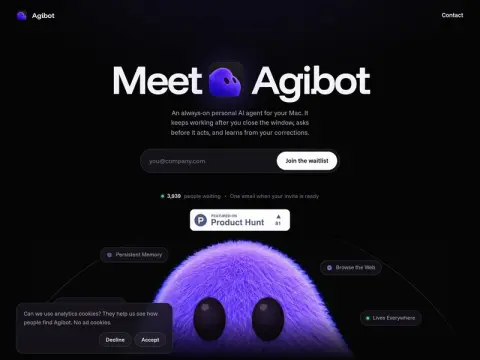
It is currently still in the queue for internal testing. Please provide your email address to receive invitations. The official price listed is “permanently free of charge”.