
CinemaLut
Generate a color correction LUT based on the reference image.
Introduction
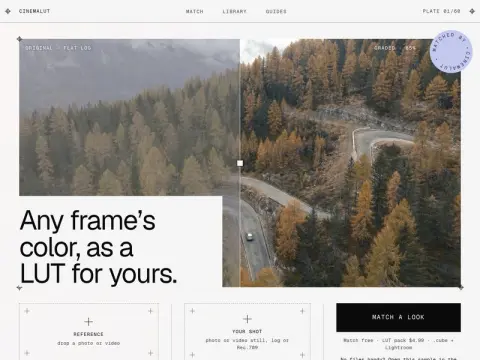
CinemaLut is an online tool designed for “photo color grading.” Simply provide it with a screenshot, photo, or video clip of your favorite movie as a reference, and then upload the image you have taken yourself. The tool will analyze the tone curve of the reference image, as well as the color deviations in the dark areas, mid-tones, and highlights, and the saturation levels in each section. Once this analysis is complete, it will generate a LUT that can be applied to your footage.
It is particularly user-friendly for those who use Log formats. Formats such as D-Log, S-Log3, V-Log, and Apple Log are first decoded using the curves provided by their respective manufacturers before being matched accordingly. The resulting .cube files can be directly used in software like DaVinci Resolve, Premiere Pro, Final Cut Pro, and EditPad; additional Lightroom presets are also included. Even without any reference images, users can choose from dozens of pre-defined style libraries. The AI vision component is responsible for assigning names to the visual styles and notifying users when there are mismatches. The actual color adjustment values are calculated based on scientific principles of color theory, and the matching process takes place locally within the browser.
Matching and previewing are free of charge; a single LUT package costs $4.99, while the Pro subscription is available for $9.99 per month. This option is ideal for video bloggers and photography enthusiasts who wish to quickly recreate a particular cinematic style in their videos.
If you want to create a continuous storyline rather than individual shots, TVLab offers serialized short-form dramas that are updated chapter by chapter. You can copy the character settings and storyboard scripts with just one click, making it much more convenient to use such video tools for creating continuous series.