i Love PDF
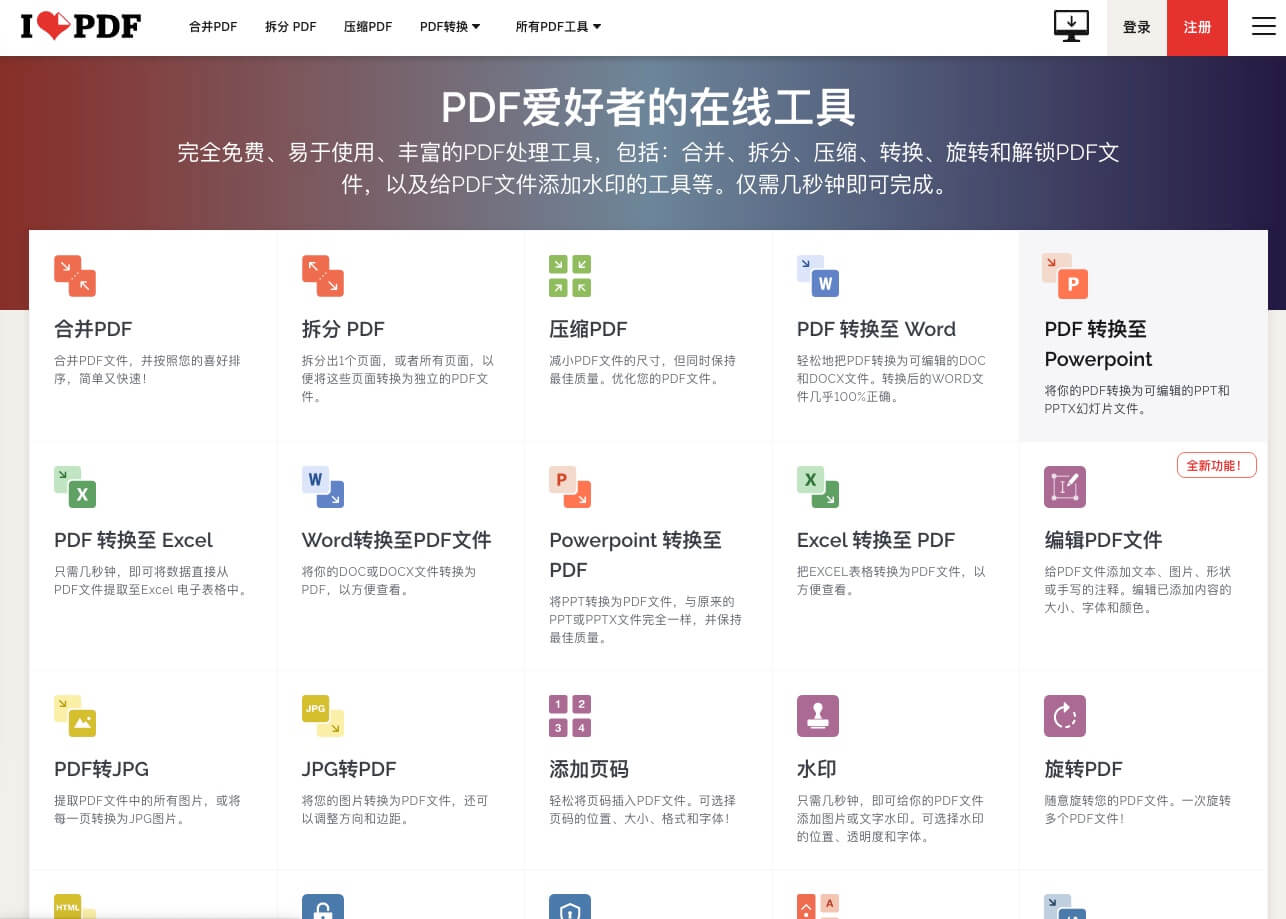
"i Love PDF" is an easy-to-use, feature-rich PDF processing tool that includes tools for merging, splitting, compressing, converting, rotating, and unlocking PDF files, as well as adding watermarks to PDFs. File processing takes relatively little time and can be completed in just a few seconds. How to Use
Introduction
“i Love PDF” is an easy-to-use, feature-rich...PDF processing tool, including:Merge, split, compress, convert, rotate, and unlock PDF files., as well as tools for adding watermarks to PDF files, etc. File processing takes only a short time and can be completed in just a few seconds.
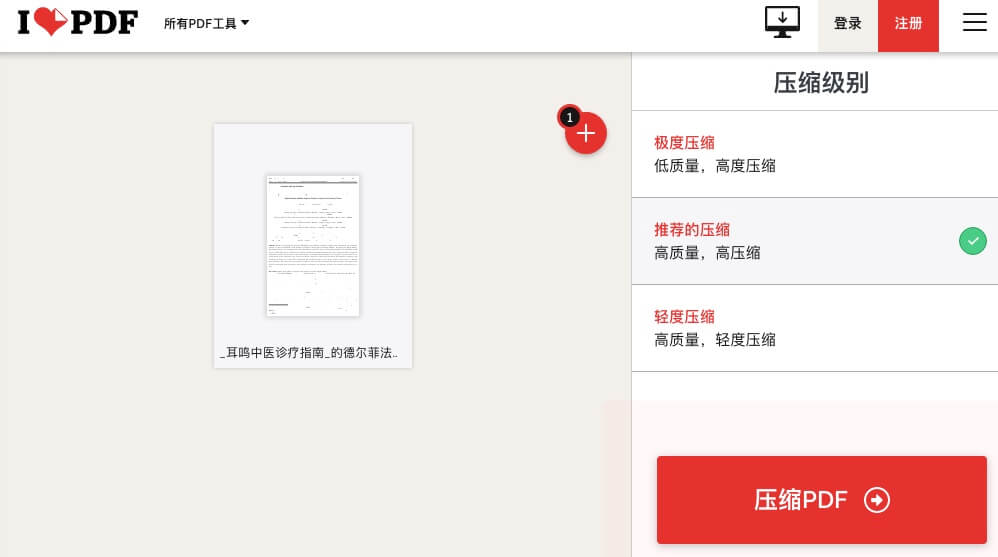
Here’s a quick walkthrough of “Compress PDF” for reference: first upload the file you want to compress, choose your compression level, then click Compress. The compressed file will download automatically.
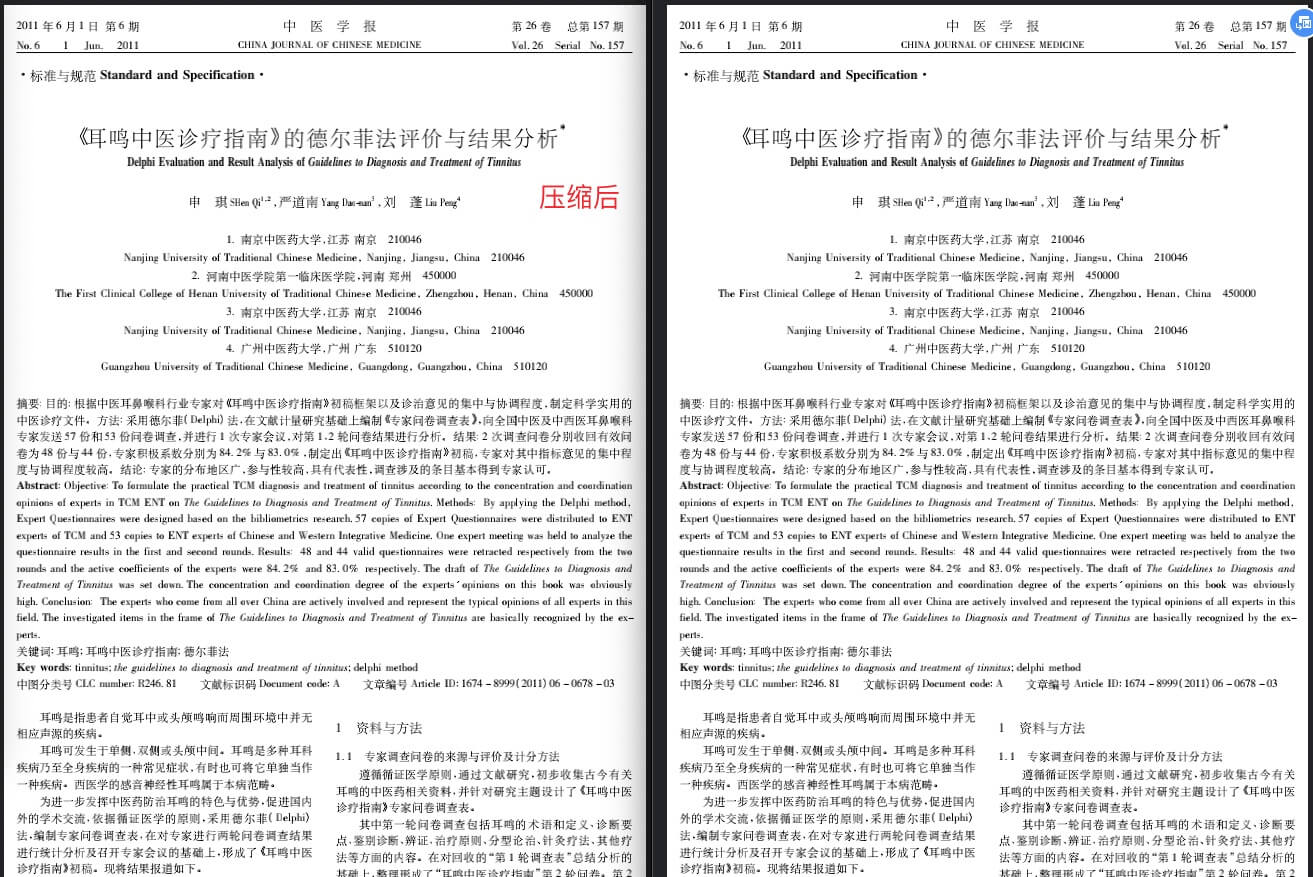
Comparison after compression: clarity is almost unchanged:
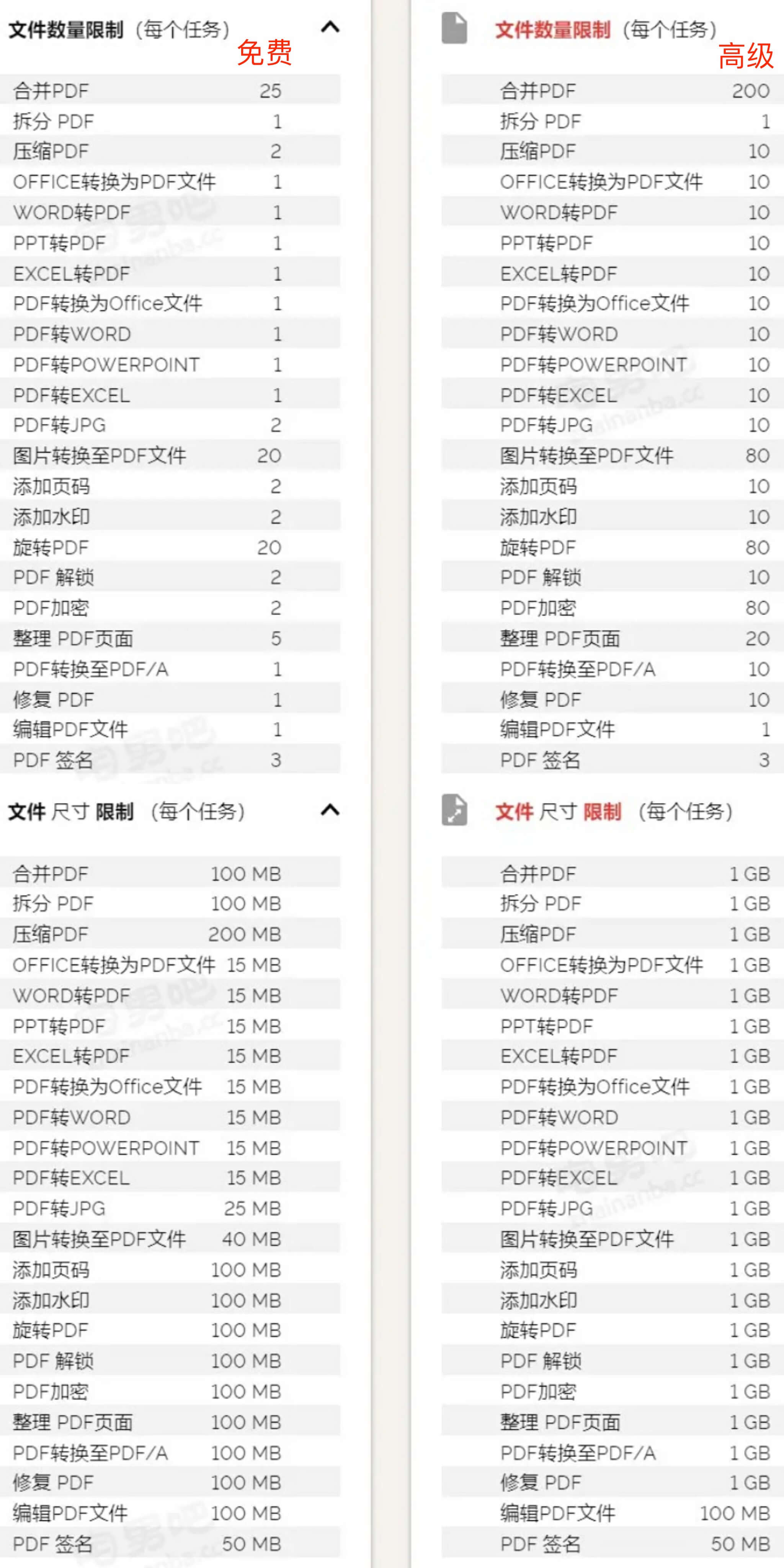
However, the free version of iLovePDF does have some usage limitations, and since there is a paid version, there are bound to be differences. That said, the image below compares the feature limitations of its free and paid versions, and it turns out that the free version is actually sufficient.
Office workers often find themselves needing this kind of PDF conversion tool, so I’d recommend saving it for later in case you can’t find it when you need it.