Focus on Win10.
“Focus on Win10” is an optimized version of Windows 10 developed by the author of “Kiss Your Wife”. It is based on the latest official version of Windows 10 and has been carefully streamlined, optimized, and enhanced to make the Windows 10 system more user-friendly. The author offers two different versions of this optimization package for Windows 10.
Introduction
"Focusing on Win10" is an optimized version of Windows 10 developed by the author of "Kiss Your Wife". It is based on the latest official Windows 10 edition and features thorough simplifications, optimizations, and enhancements to make the operating system more user-friendly.
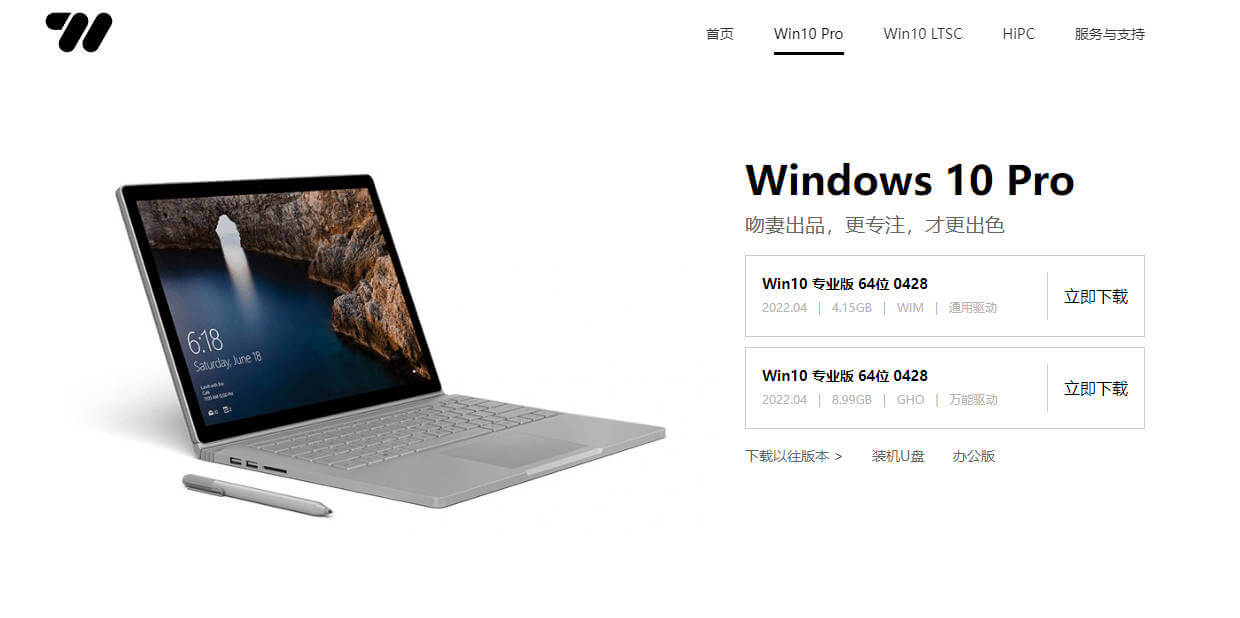
The author provides two optimized versions of the Windows 10 operating system: Win10 PRO and Win10 LISC. Both versions are created using the Ghost packaging technology, which makes their installation process much simpler and more convenient.
Features of this version
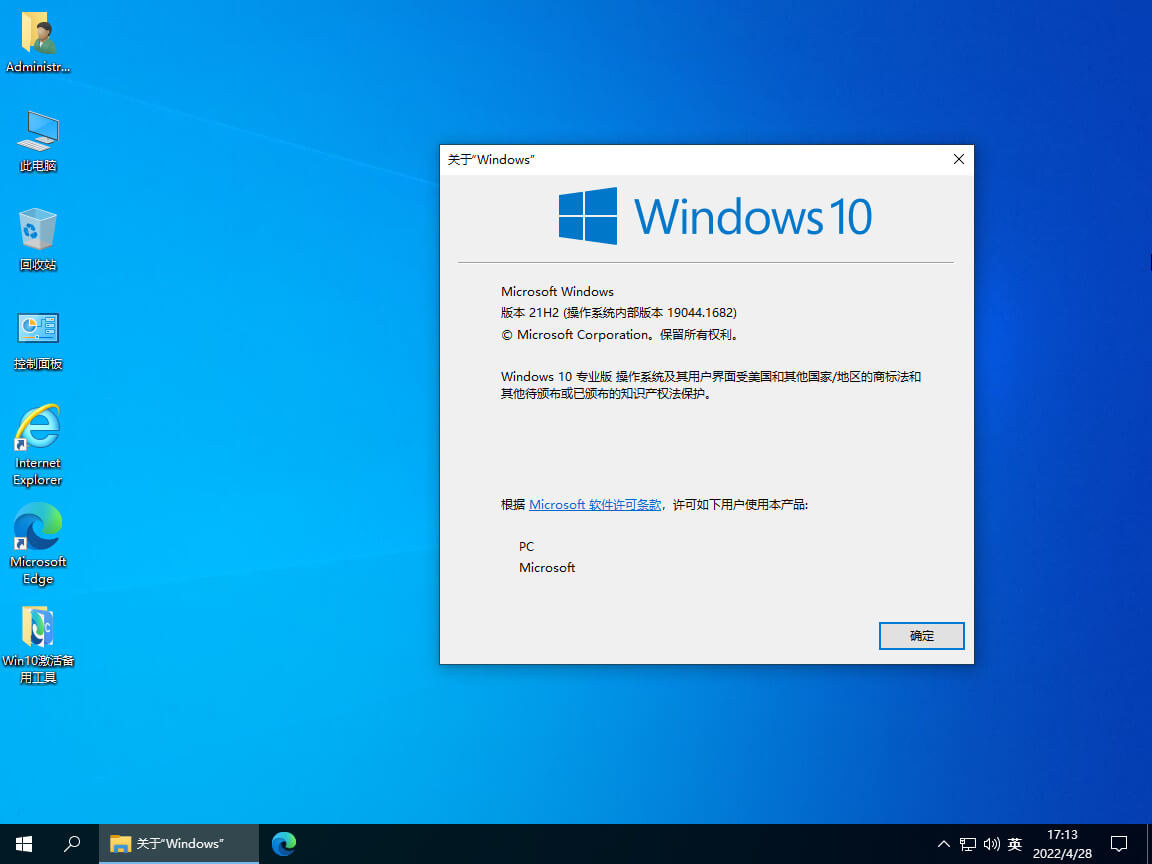
Optimized and developed based on the original Windows 10 Professional version 21H2.
Retain the Microsoft Store (app store).
Retain the Xbox and its related components.
The Edge browser, powered by the new Chromium kernel
Optimize the process of disabling system update notifications and related services.
We promise that the homepage will never be locked, and you can set it up according to your own preferences.
The input method used is the native Microsoft Pinyin system.
Integrated with the official version of WinRAR 6.10 (registered version, ad-free)
Integrated fully intelligent universal drive assistant (available only for GHO images)
Perfect installation is supported on new platforms such as the 10th, 11th, and 12th generations of Core processors, as well as Ryzen processors.
Supports 4K alignment for solid-state drives and also supports NVMe technology.
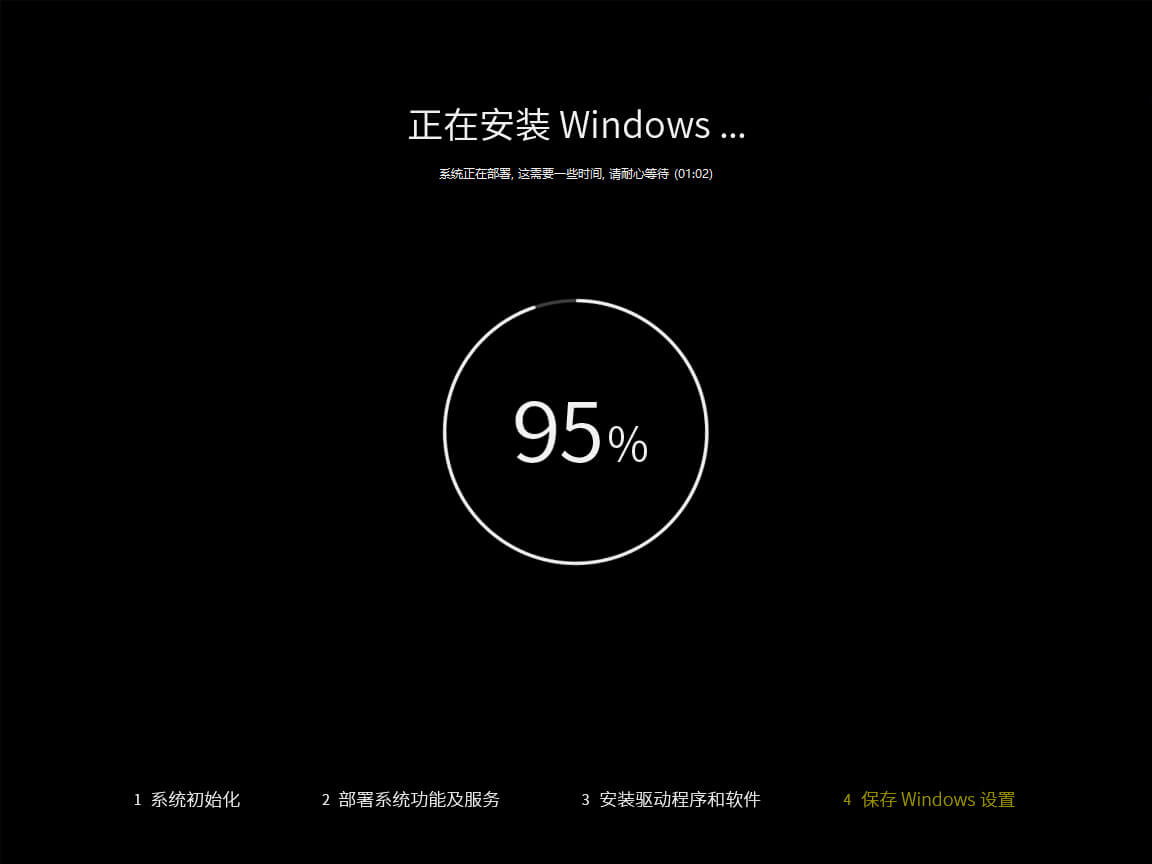
Supports fully automatic, unattended installation.
It is possible to choose either an Admin account or a self-created account via the OOBE process for installation using the WIM method.
Two types of images are available for download: GHO and WIM.
Automatically triggers the activation of digital rights (which, in theory, can be permanent).
After installation, automatic digital activation takes place. It integrates a universal driver, so it can be used immediately upon startup – no additional steps are required, making it perfect for those who prefer convenience.
The author releases a new version every month, and the latest update currently dates back to April 2022.
Optimization and adjustment
Optimize and speed up the boot and shutdown processes.
Optimize and reduce system notifications.
Optimize and reduce system-initiated installation services.
Optimize measures to reduce the amount of personal data that the system collects.
Optimize and streamline the delivery process to enhance service quality.
Optimize and streamline Windows Defender
Optimize and streamline the Smartscreen filter mechanism.
Optimize and streamline OneDrive
Turn off automatic playback.
Turn off the system's feature of frequently recommending apps.
Turn off news and recommendations in the task bar
Adjust and optimize the layout of the menu tiles on the Start screen.
Adjust the status of certain icons on the taskbar.
Adjust the arrangement of shortcut functions in the operation center.
Adjust File Explorer to display as “This Computer”
Adjust and optimize IE and Edge-related settings, as well as organize favorites.
Set Microsoft Pinyin to use English by default.
Enable the classic “Windows Photo Viewer”
Enabling storage awareness allows for automatic cleanup of unnecessary files when disk space becomes insufficient.
Remove the retail demonstration materials.
Remove the vast majority of optional features.
Remove the Windows Getting Started and Feedback Center
Remove applications that are not used frequently, such as Mail, Weather, Calendar, Maps, Contacts, Skype, Cortana, OneNote, OneDrive, Groove Music, Movies & TV, Mixed Reality, 3D Viewer, and Paint 3D.
Retain commonly used apps such as Edge, Xbox, the App Store, Photos, Camera, Calculator, Notes, Screenshots, and Sketches.
For more optimizations and adjustments, please take the time to experience them firsthand.
Related