Animation Drawing
“Animation Drawing” is a tool that enables drawings to come to life. Upload the illustrations of characters created by your child – whether they represent people, animals, anime characters, or anything else – and the website will use AI technology to transform these images into interesting animations. You can also choose from a wide range of different movements for the characters. Here are the steps: 1. Click “Upload…”
Introduction
“Animation Painting” is a tool that enables drawings to come to life.
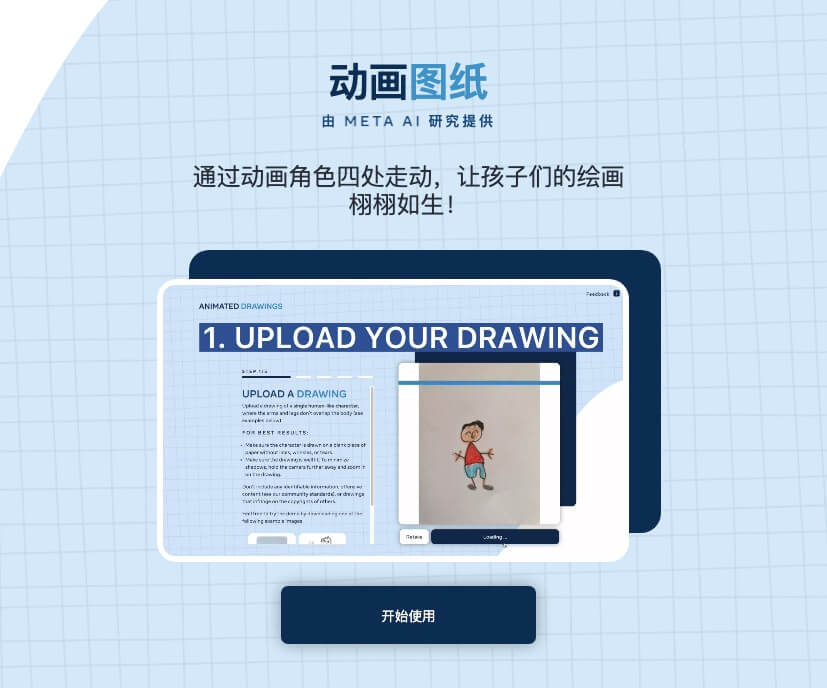
Upload the drawings of the characters created by your child (they can be people, animals, anime characters, etc.). The website uses AI technology to transform these characters into interesting animations, and there are also a variety of different actions available for selection.
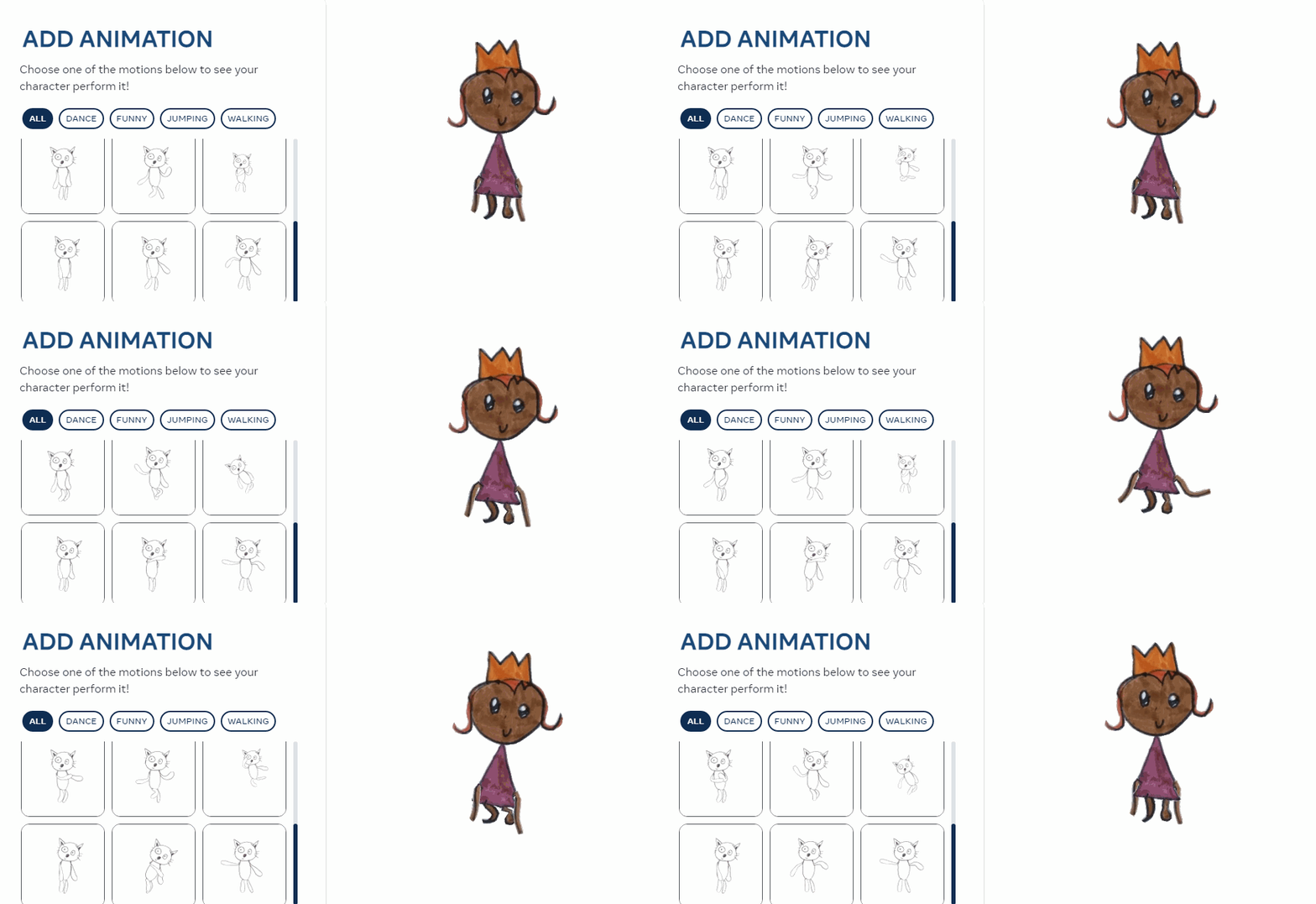
Specific steps:
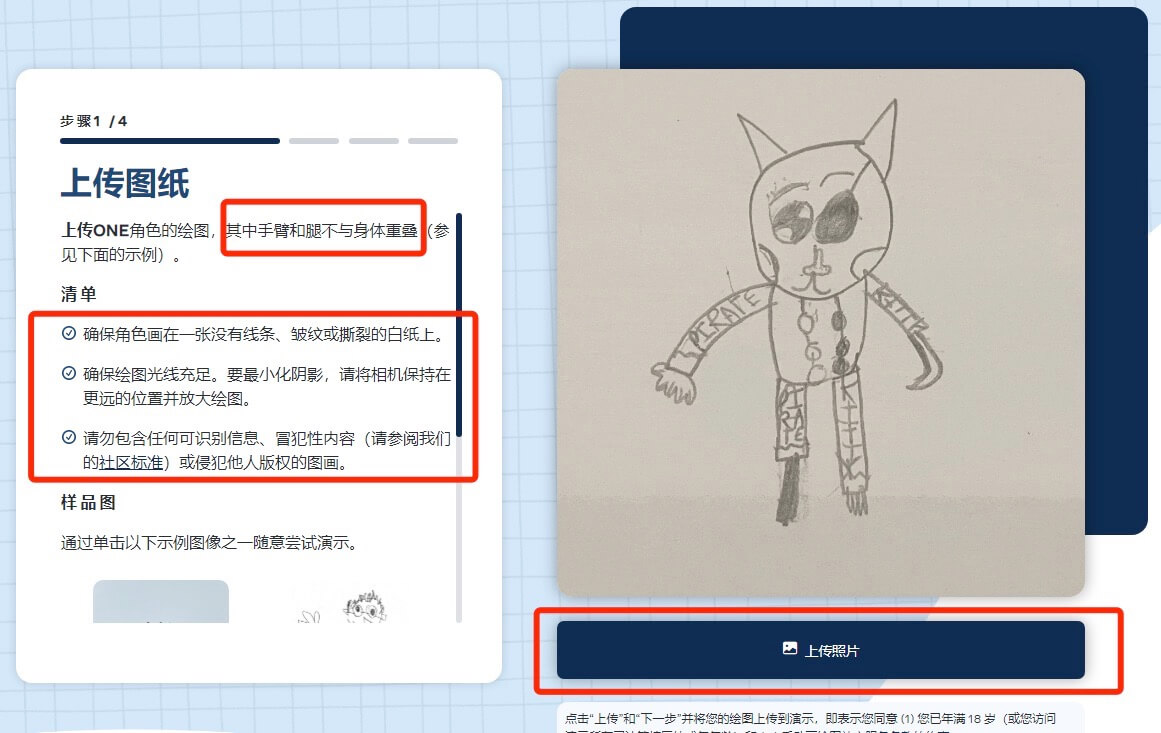
1. Click “Upload Photo” to submit the drawing of the character created by your child. All the specific requirements are highlighted in red; please pay attention to these details when taking the photo.
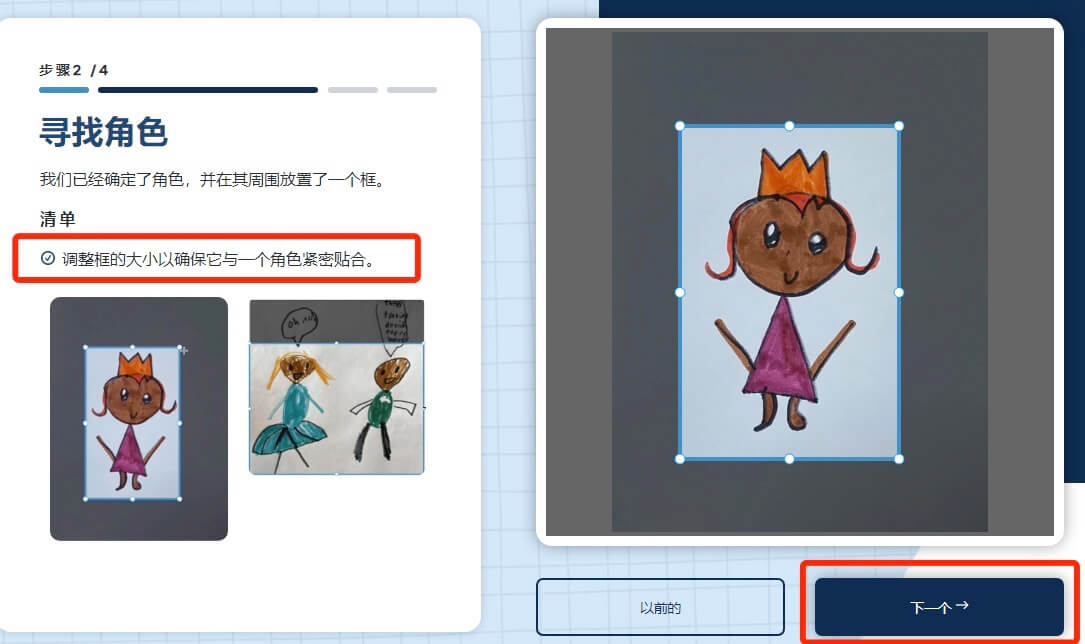
2. Use a blue box to outline the character in the image, making sure it covers the character completely, and then click “Next”.
3. The website will separate the characters from their backgrounds. If any part of a character’s design is not properly separated, you can use a pencil and an eraser to make adjustments; then click “Next”.
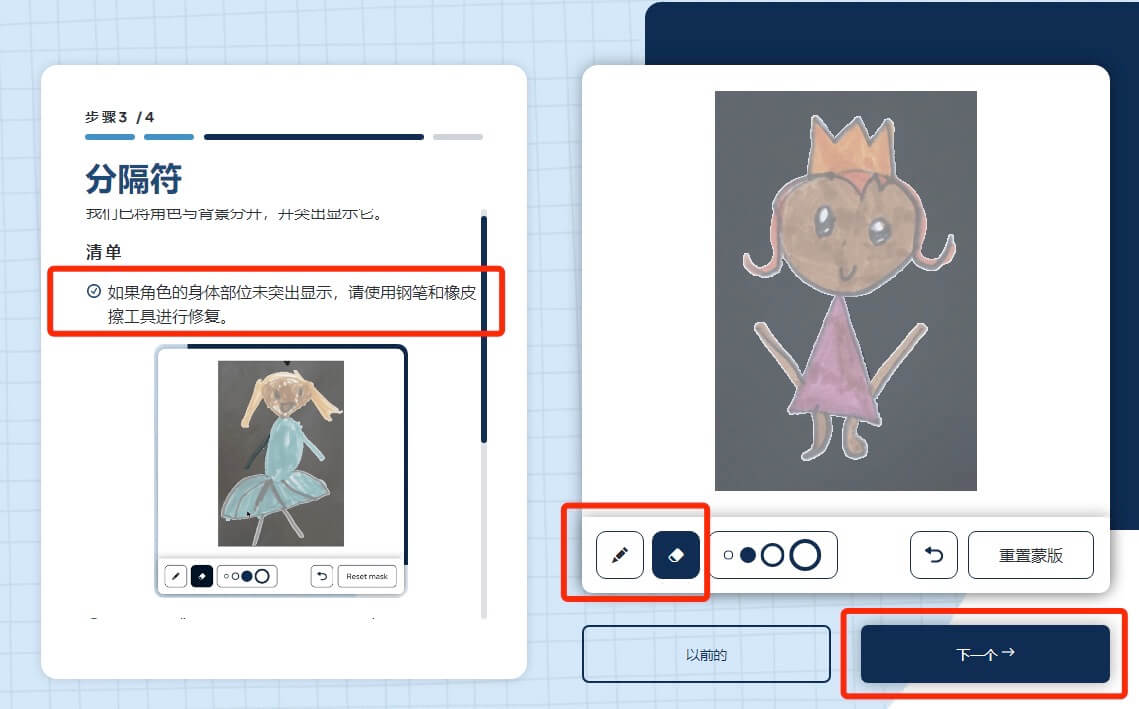
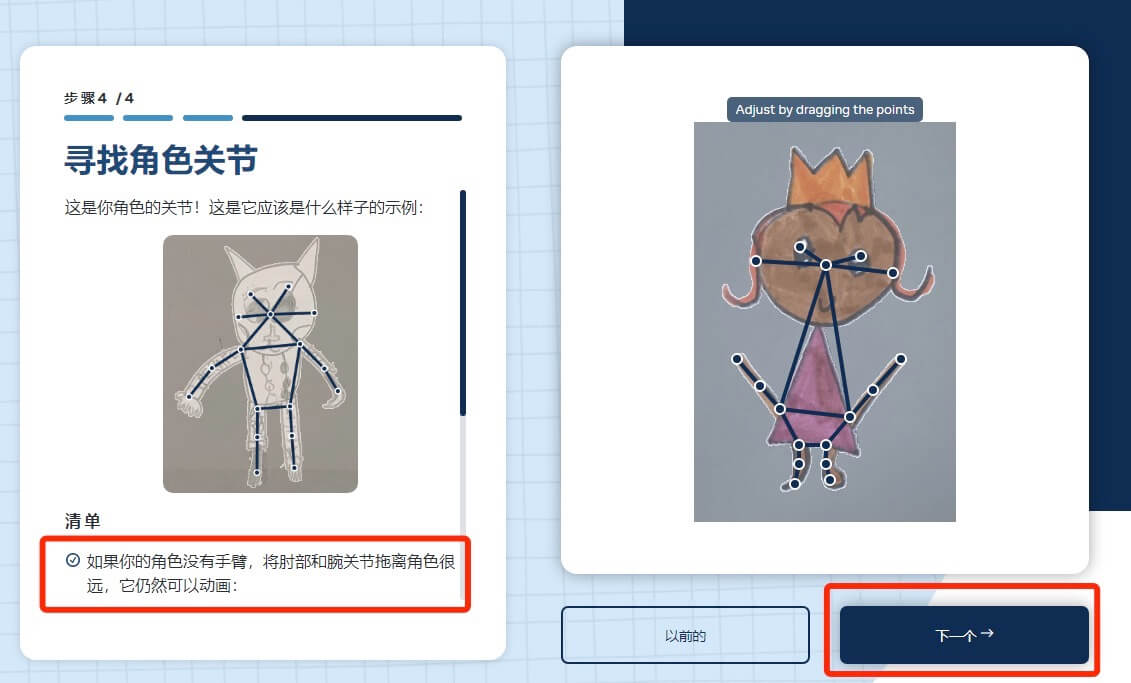
4. In order to make the character move, each point serves as a joint of the character. If the default joints set by the website are not suitable, you can freely drag these joints to adjust their positions. Once you click “Next”, the transformation into an animation will begin.
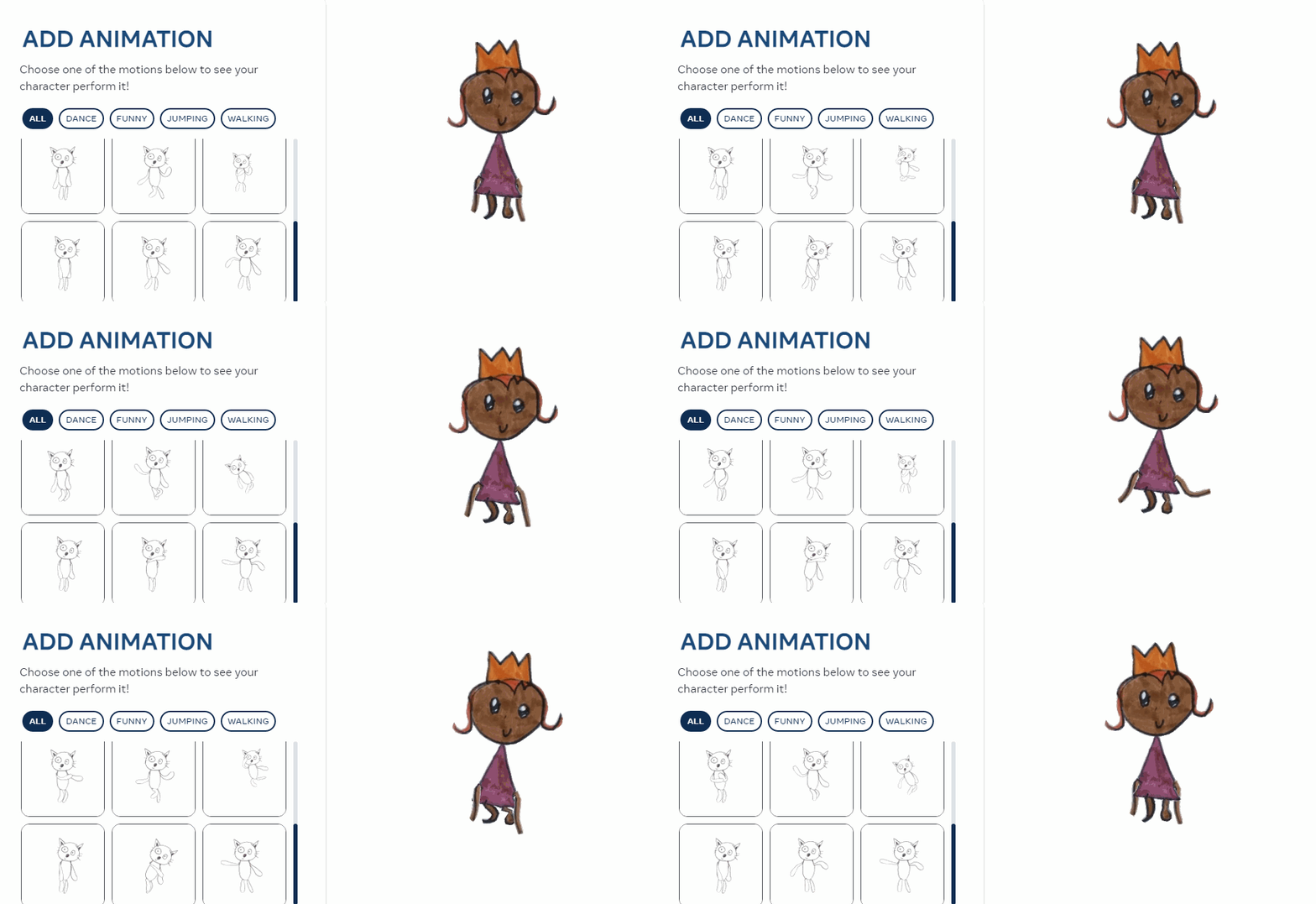
Be careful.This website is entirely in English. If you use the browser’s translation function, blank pages may appear during the browsing process. Therefore, it is sufficient to turn off the translation option before clicking “Next”.