MindVideo – Unlimited View Generation
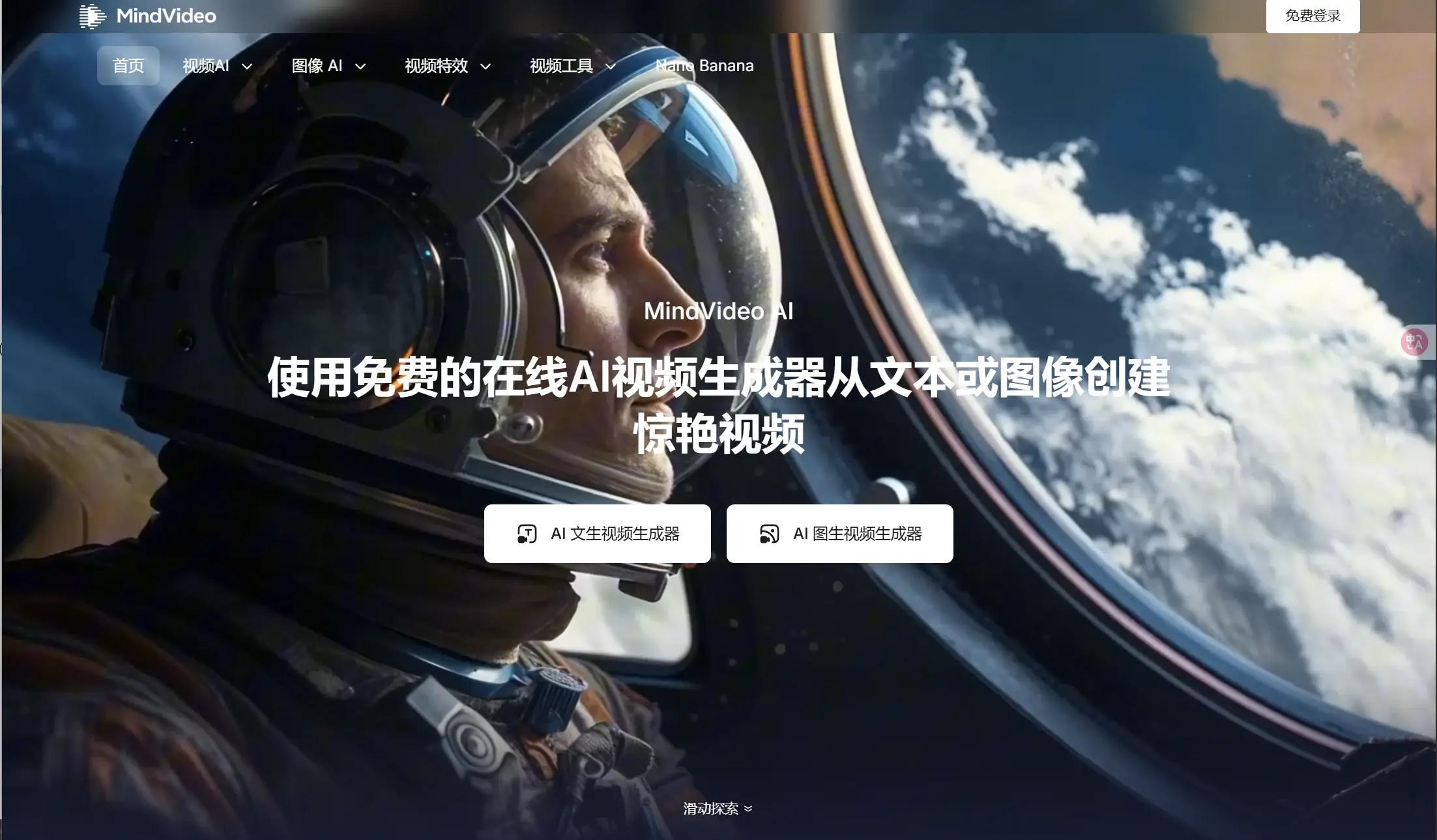
MindVideo AI is an online AI video generation tool. It enables the conversion of text into videos as well as images into videos. It comes equipped with the latest Google Nano Banana large model, which allows for unlimited image creation and AI-based video editing functions. Additionally, it supports the creation of various video effects through a single click, using over 40 different AI algorithms.
Introduction
MindVideo AI is an online AI video generation tool. It enables the conversion of text into videos and images into videos. It comes equipped with the latest Google Nano Banana large model, which allows for unlimited image generation, as well as features for AI-based video editing.
It supports the use of over 40 different AI technologies to generate video effects with just one click. Equipped with globally renowned large models such as Google VEO3, Runway, and Luma AI, it is capable of producing videos with a resolution of up to 4K.
Main functions
- Text to Video conversionGenerate short videos using natural language prompts (multiple styles available).
- Animating an image (converting it from Image format to Video format)Convert static images into short videos that contain actions and expressions, while ensuring consistency in the scenes and characters depicted.
- Support for multiple models/multiple backendsOn the platform, users can select and utilize a variety of existing models (examples include Kling, Runway, Luma, Hailuo, Veo, etc.).
- Built-in effects & templatesPopular effects such as "AI Kiss / AI Hug / Inflate / Squish", along with several template libraries, make it easy to quickly create short social media videos or entertaining content.
It also comes equipped with the latest Google Nano Banana large model, which allows for unlimited AI-generated images.
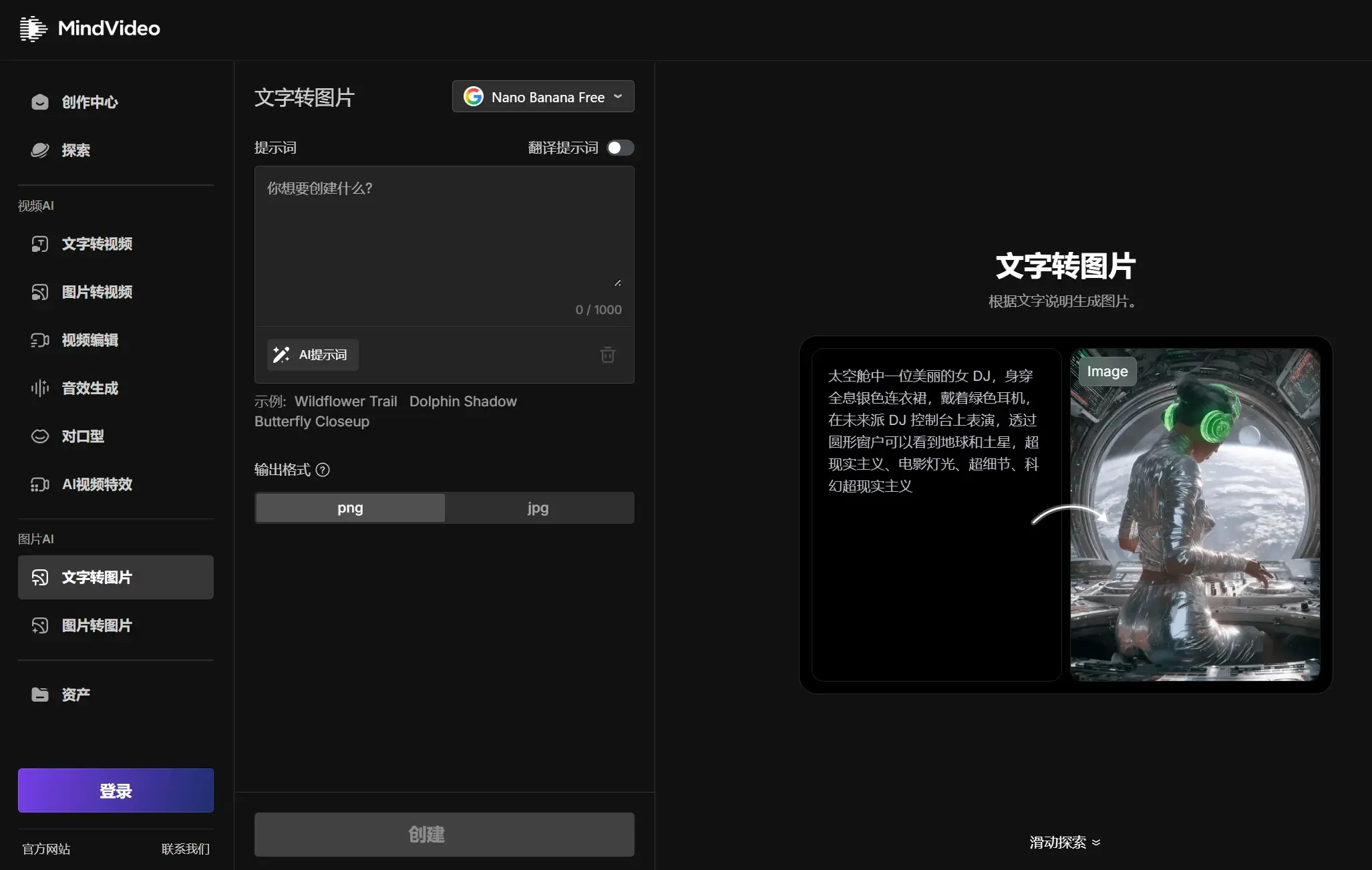
Usage Guide (the typical process from registration to completing a video)
Below is a general, reusable quick-start guide (compiled based on the publicly available procedures on the official website):
- Visit the official websiteOpen the official MindVideo website (no need to install any client software; it is compatible with both mobile and desktop browsers).
- Is registration required?Some features can be tried out without logging in (some sections on the official website indicate that “registration is not required to use these functions”). However, for long-term use, exporting high-resolution files, or retaining historical data, it is recommended to register an account or log in.
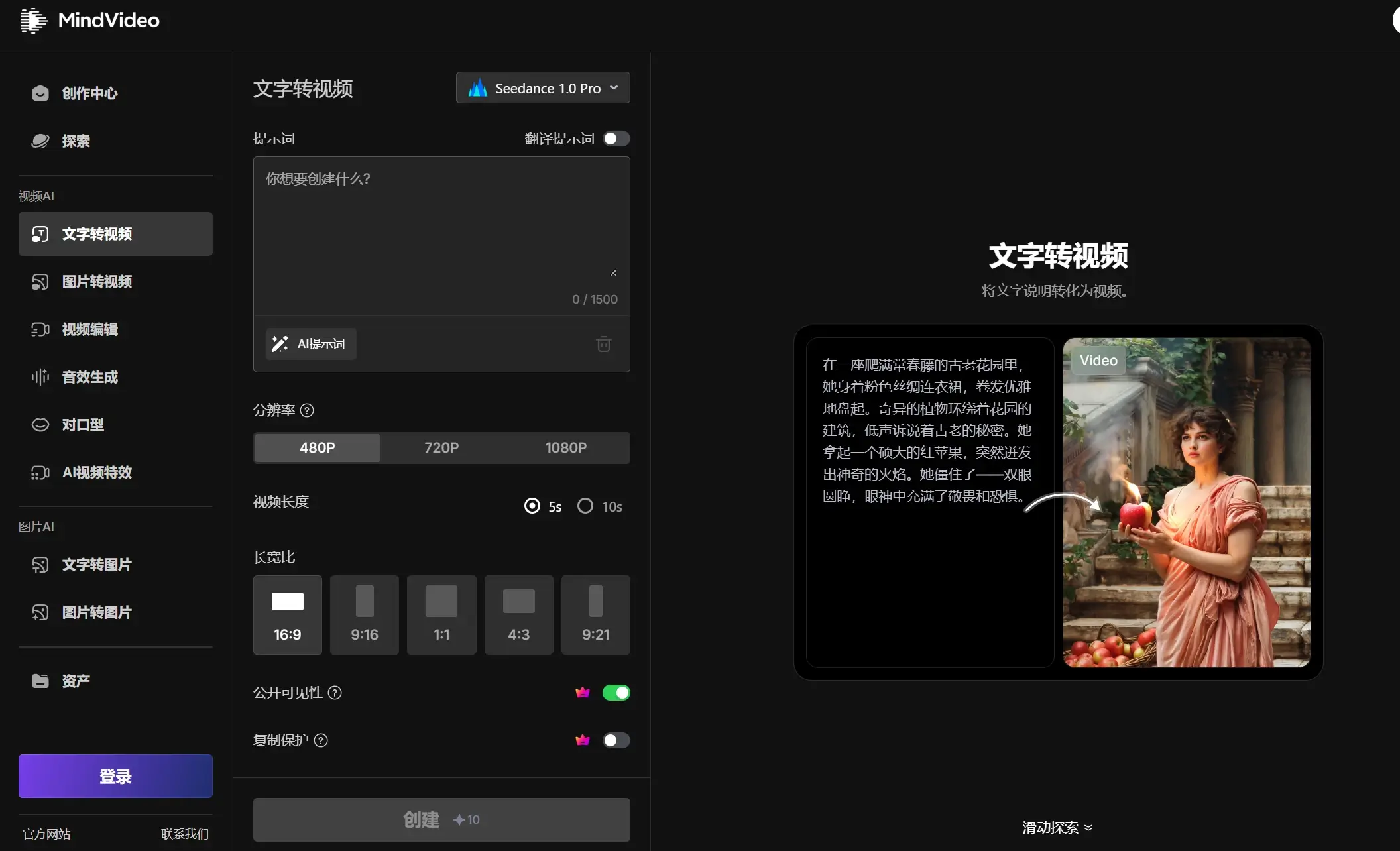
- Select the generation method.On the main interface, select either "Text to Video" or "Image to Video".
- Fill in/upload the materials:
- Text → Video: Describe the scene in the prompt box (adjust the length and details according to your needs), and you can choose the desired style, such as realistic, cartoonish, cyberpunk, etc.
- Image → Video: Upload one or more images and select the desired animation effect or template (such as “hug”, “kiss”, etc.).
- Select model/resolution/durationIf the platform offers multiple model options, you can switch between them based on your preferences regarding speed, quality, or cost. You can also choose the output resolution (such as 720p, 1080p, or 4K; note that 4K may be available only with paid models or more advanced options).
- Generate and previewClick "Generate" and wait for the system to process the request. (The official website states that there is currently no generation queue, so results can be obtained immediately; however, the actual processing time depends on the selected model.) After the generation is complete, you can preview the result, adjust the prompt or materials, and generate the output again if necessary.
- Export/DownloadAfter confirming that everything is correct, export the video. Free plans may include watermarks and be subject to quota restrictions; paid versions, on the other hand, usually remove watermarks and increase the number of concurrent downloads as well as the available quota.
price
- Official statementThe platform offers...Free PlanThis allows users to try out the services and generate videos. More advanced features, such as higher concurrency, additional quotas, watermark removal, and faster processing speeds, are available through paid subscriptions or membership upgrades.
- Third-party aggregated market informationExamples of common subscription packages recorded by multiple tools or evaluation websites (for reference only):
- Free (free of charge)Limited quotas, watermarks, and restrictions on concurrent tasks (for example: a maximum of 1–2 tasks per month, or only a small number of tasks can be generated).
- Lite: Approximately $9.9 per monthIncrease the generation quota (for example, 300 credits, which is approximately equivalent to 30 videos per month), remove watermarks, and allow for more concurrent tasks.
- Pro: Approximately $25 per month.Higher quotas (for example, 800 credits per month, which allows the production of 80 videos), faster generation speeds, and priority support for copyright-related options as well as private deployment options.
Important note: The prices aggregated by various sites may vary depending on promotions, currency considerations, regional differences, and the actual strategies employed by each platform.It is recommended to refer to the final price displayed on MindVideo’s official “Pricing” page or on the checkout page before making your purchase.。