Image Color Palette (PixPix)
Extract the primary color from the HEX color palette.
Introduction
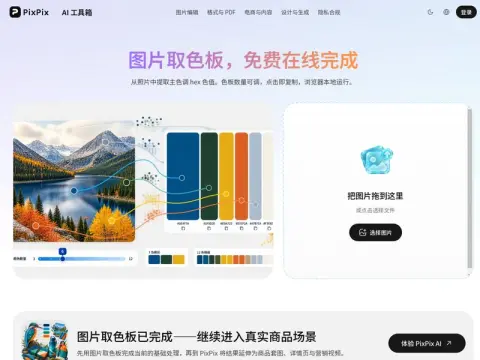
Perform median-cut color quantization on the pixels of an image, recursively divide the color space into the desired number of subspaces, select the representative color of each subspace, and generate duplicateable HEX codes as the output. The number of color swatches can be adjusted ranging from 3 to 12.
The use of quantization instead of averaging is because averaging tends to blend complementary colors together into a murky range of intermediate tones, which does not match the actual visual effect of the image. Quantization, on the other hand, preserves those colors that are truly present in the image and constitute a significant portion of its overall palette.
When choosing a general direction for your design, select 3 to 5 colors; if you want to create a complete color scheme, choose 8 to 12 colors. Clicking on each color block will copy it to the clipboard – there’s no need to manually enter the hexadecimal codes, and the images can be loaded locally for use in your design.
The color palettes extracted from photos generally cannot be directly used for designing interface colors, because they often lack neutral tones that are either dark enough or light enough. A feasible approach is to select one or two of these colors as the primary and accent colors, and then supplement the neutral tones yourself. This method can be effectively applied when creating posters, determining the theme of a PowerPoint presentation, selecting color schemes for a brand, or seeking inspiration for illustrations.