Vibrantsnap
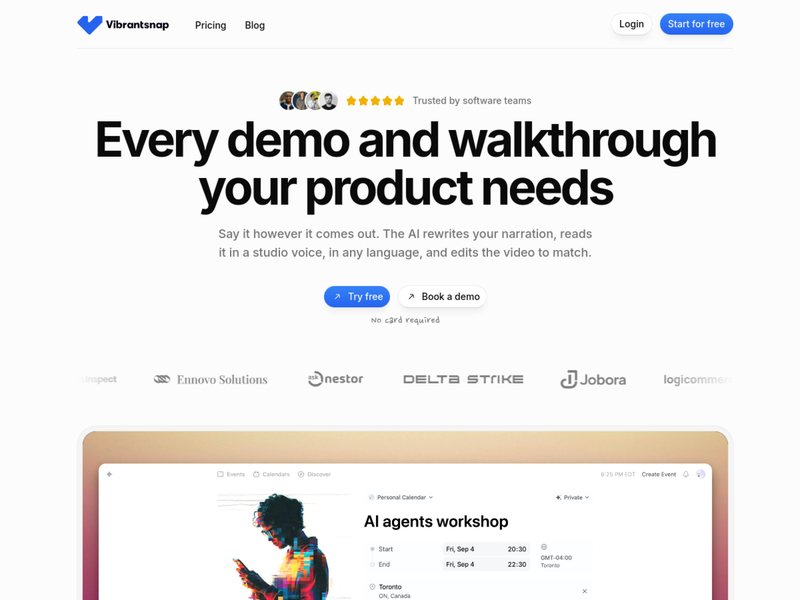
Turn a screen recording into a product demonstration video with just one click.
Introduction
Traditional method for creating tutorial videos: First, write the script, record the screen and audio. If there are any mistakes in reading the text, start over. Then, use video editing software to adjust the size of the images and add subtitles. Creating a three-minute video can easily take half a day.
Vibrantsnap leaves the subsequent steps to AI. You simply record the screen as usual and speak in a slightly hesitant manner; the software will then rewrite the narration into a clean, polished script, dub it with voices from professional recording studios (30 different voices in 10 languages), and automatically adjust the length of the video footage to match the new narration. Whenever you move your mouse, the camera will automatically zoom in on that area, and subtitles will be generated word for word accordingly.
The same screenshot recording can also be used to create a illustrated guide with screenshots. This feature is available for free in all packages.
The free version allows unlimited recording and editing, as well as three AI voice-over uses per month. However, exporting videos incurs additional costs; the Pro version costs $49 per month. This option is particularly useful for teams responsible for creating help centers and providing customer training for SaaS products.
Before using it to create vertical-screen short dramas, you can check in TVLab how popular shows on the same topic begin and at which episode the plot takes a turn. Then, select an inspiration card that contains a detailed breakdown of the scenes and use it to generate each sequence one by one, based on the camera angles specified in the card.