
VEED.IO
Online AI video editing and subtitle generation tool
Introduction
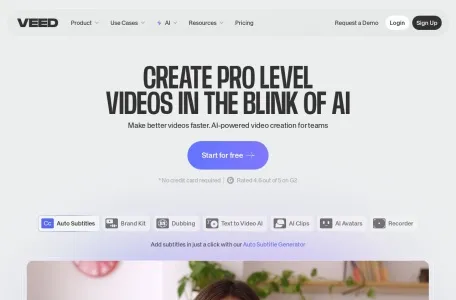
VEED is a video editor that can be used directly within a web browser – you simply need to open the relevant page to start editing, without the need to download any additional software. In the past two years, its focus has shifted from online video editing to AI-generated content: users can input their ideas to create voice-over videos, use digital avatars in their videos, add subtitles and multiple-language audio tracks automatically, remove background noise, and even record videos while using their camera – all of these functions can be completed within the same timeline.
Those who benefit the most are marketing professionals working with social media short videos, independent entrepreneurs, and teams that need to produce large quantities of training videos. Automatic subtitles and translated dubbing can save them a lot of time from repetitive tasks. Professional editors, on the other hand, don’t necessarily need to switch to these tools; complex color adjustments and multi-track editing are still best done with desktop software.
The free version allows exports with watermarks, and the maximum resolution is 720p. The paid versions, namely Lite, Pro, and Business, are available for monthly or annual subscriptions. The duration of the digital human models is only available starting from the Pro package; the specific prices are subject to the current rates listed on the official website.
Related