Adobe Podcast
Adobe's Web-Based AI Audio Tool
Introduction
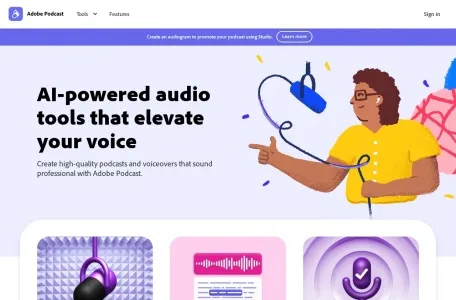
Adobe Podcast is now fully available, and there is no longer a waiting list. Recording, transcription, editing, and sharing are all done in your browser—no software installation required.
The two most well-known features are still the free tools. “Enhance Speech” can process recordings with reverb and background noise to achieve studio-quality results, with the most noticeable improvement seen in recordings made with a laptop’s built-in microphone; “Microphone Check” runs a test before you start recording to let you know if there’s clipping, if the microphone is too far away, or if there’s too much ambient noise.
The update in March added a few new features: “Enhance Speech” now includes advanced sound source separation, allowing you to separate vocals, background noise, and music for individual adjustment (Premium only); Studio now includes video recording and multitrack editing; remote interviews are automatically split into separate tracks by participant, allowing for individual editing later; 20 curated soundtracks have also been added, along with the option to upload your own music. After transcription, you can edit the audio based on the text—deleting a sentence deletes a corresponding segment of text—which users unfamiliar with waveforms will find intuitive.
Ideal for podcast hosts, course recorders, and content teams editing interview footage. The free plan is sufficient for occasional users; heavy users will need to purchase a paid plan—pricing is subject to the official website. Chinese audio performs less effectively than English.
Related