
BiBimba
Mac clipboard and screenshot OCR tool
Introduction
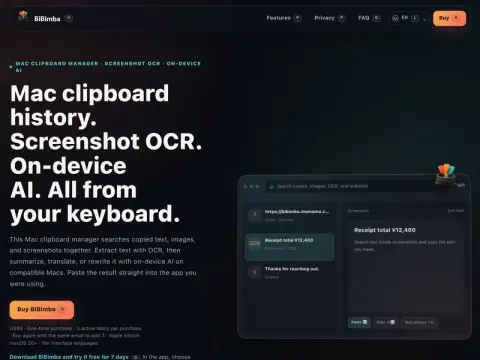
BiBimba is a clipboard manager for Mac that does two extra things compared with typical alternatives: screenshots go into the same library, and text in images is OCR'd so it can be searched alongside everything else.
The text you copy, images, and quick screenshots all pile into a single history, and search doesn’t distinguish by type—if all you remember is that a certain screenshot contained the number “12,400,” just search for the number and that image will come up. The OCR’d text can then be summarized, translated, or rewritten with on-device AI and pasted back into the app you were using with one click. The on-device part runs only on Apple silicon machines, and content never goes to the cloud.
Everything is keyboard-driven: opening history, selecting and pasting, code snippets, screenshots, screen OCR, and text processing each have their own set of shortcuts, so your hands never leave the keyboard. The interface is available in ten languages, including both Simplified and Traditional Chinese.
Straightforward pricing: $9 one-time purchase. One license covers three Macs; buy again with the same email to add three more. No subscription. After downloading, try it free for 7 days—no email or credit card required. Requirements: Apple silicon and macOS 26 or later; Intel Macs won’t work.